
Tools
SSH, SFTP & Vault
Hosts, file transfer, remote editing, keys and secrets — all in the macOS Keychain.
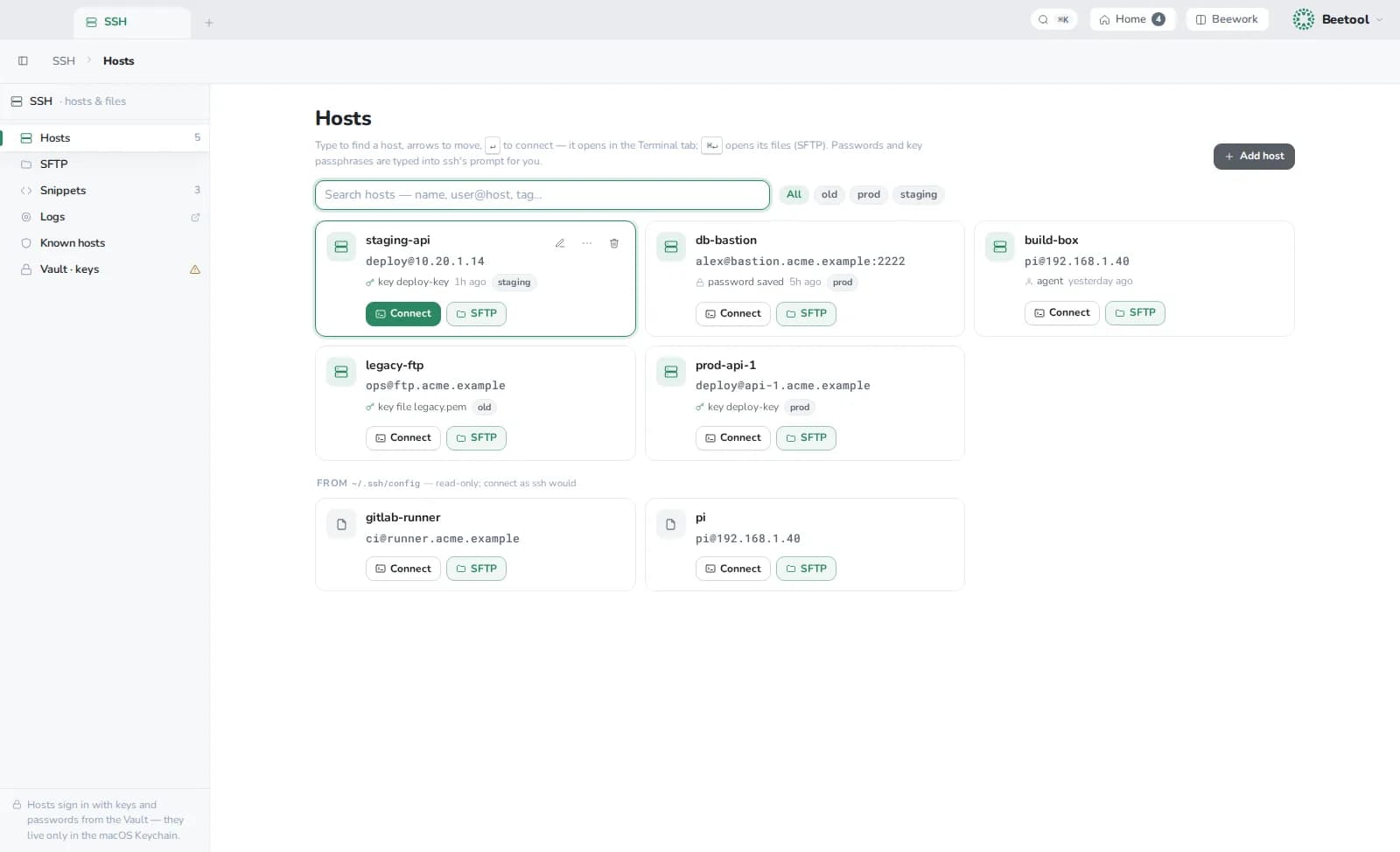
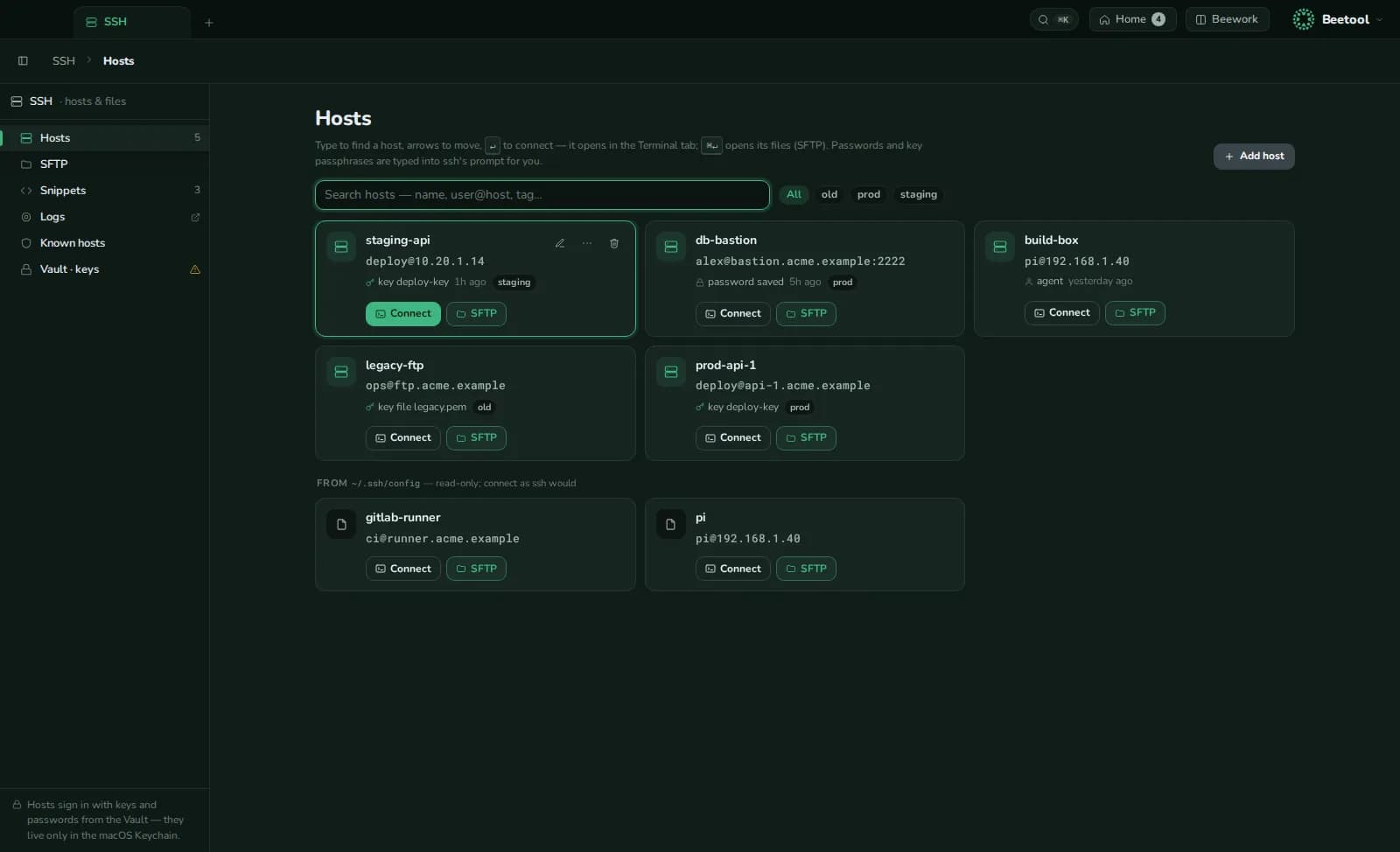
SSH
⌘K › SSH. Type to find a host, Enter connects in a terminal tab. Sign in with your SSH agent, a key from the Vault or a saved password. Hosts from ~/.ssh/config appear too. SSH: connect… in the terminal also takes user@host:port or a whole ssh command.
- SFTP — your Mac on the left, the host on the right; drag files or use the arrows. Downloads never replace a file; uploads ask. Transfers run in the background with your system's
ssh/sftp, keys andknown_hosts. - Remote edit — double-click a text file to edit it; ⌘S uploads after checking that nobody changed it in the meantime, with a compare if they did. Line endings and BOM are kept.
- Snippets — saved commands, pasted at the prompt and never run on their own.
- Known hosts — view and remove lines of
~/.ssh/known_hosts.
Vault
⌘K › Vault. Secrets live only in the macOS Keychain; Beetool keeps their descriptions.
| Section | What it holds |
|---|---|
| Keys | SSH keys — import, or generate ed25519 or RSA; view the public key and fingerprint |
| Logins | Passwords, copied with one click |
| Env sets | Named KEY=value sets, copied as .env or shell exports, and usable in Beequest |
Copied secrets are cleared from the clipboard after 30 seconds.
Logs
⌘K › Logs. Recordings of terminal output — SSH sessions, local shells and runs, never your typing — filtered by kind, host and folder, searchable, and stored in ~/Library/Logs/Beetool/terminal.