
 Beetool for Mac · Free beta
Your whole dev flow.
One app. Any AI.
Git, code, review, terminal, database, API client and docs in one window — with an AI that knows your project, on the model you choose.
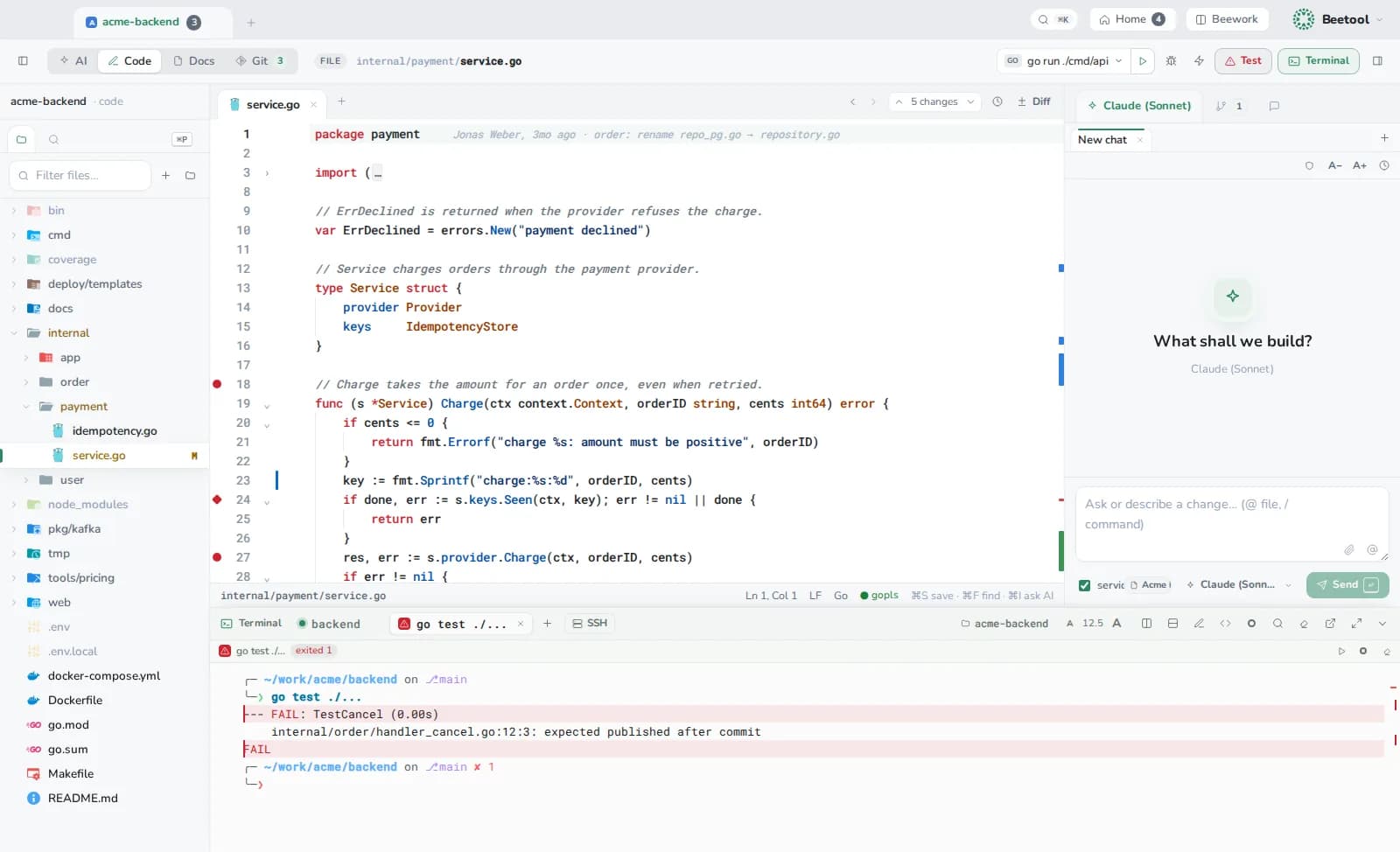
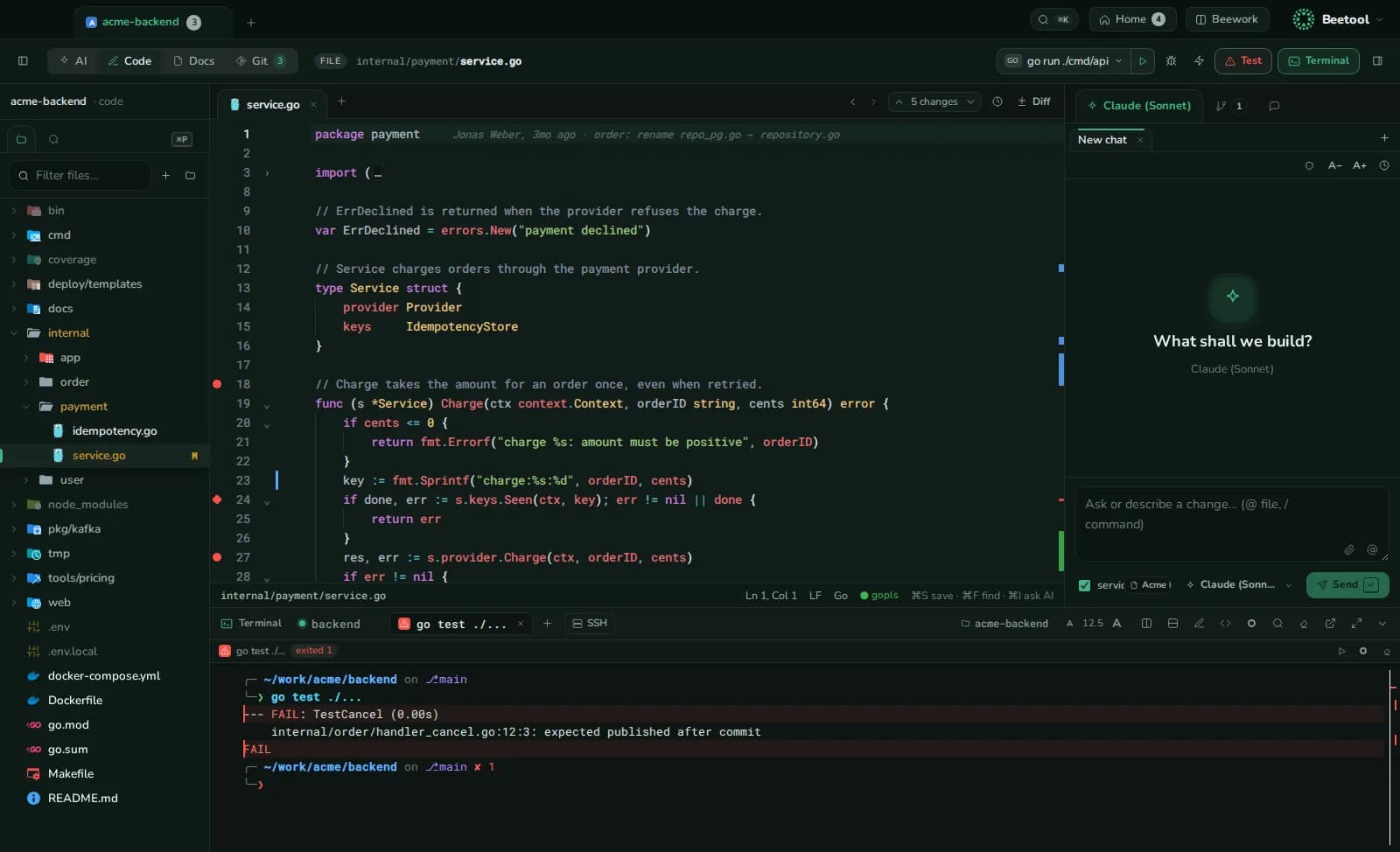
Editor, language servers, run and test, terminal underneath, AI on the side.
From ticket to merge, without switching apps
- 1PlanOne task across repos, a branch in each, on a board.
- 2BuildCode with an assistant that knows the product.
- 3RunTerminal, tests, debugger, database and API calls.
- 4ReviewAI review with your rules, before anyone else looks.
- 5ShipCommit, push and open the merge requests together.
Any AI
Switch the model, not your tools
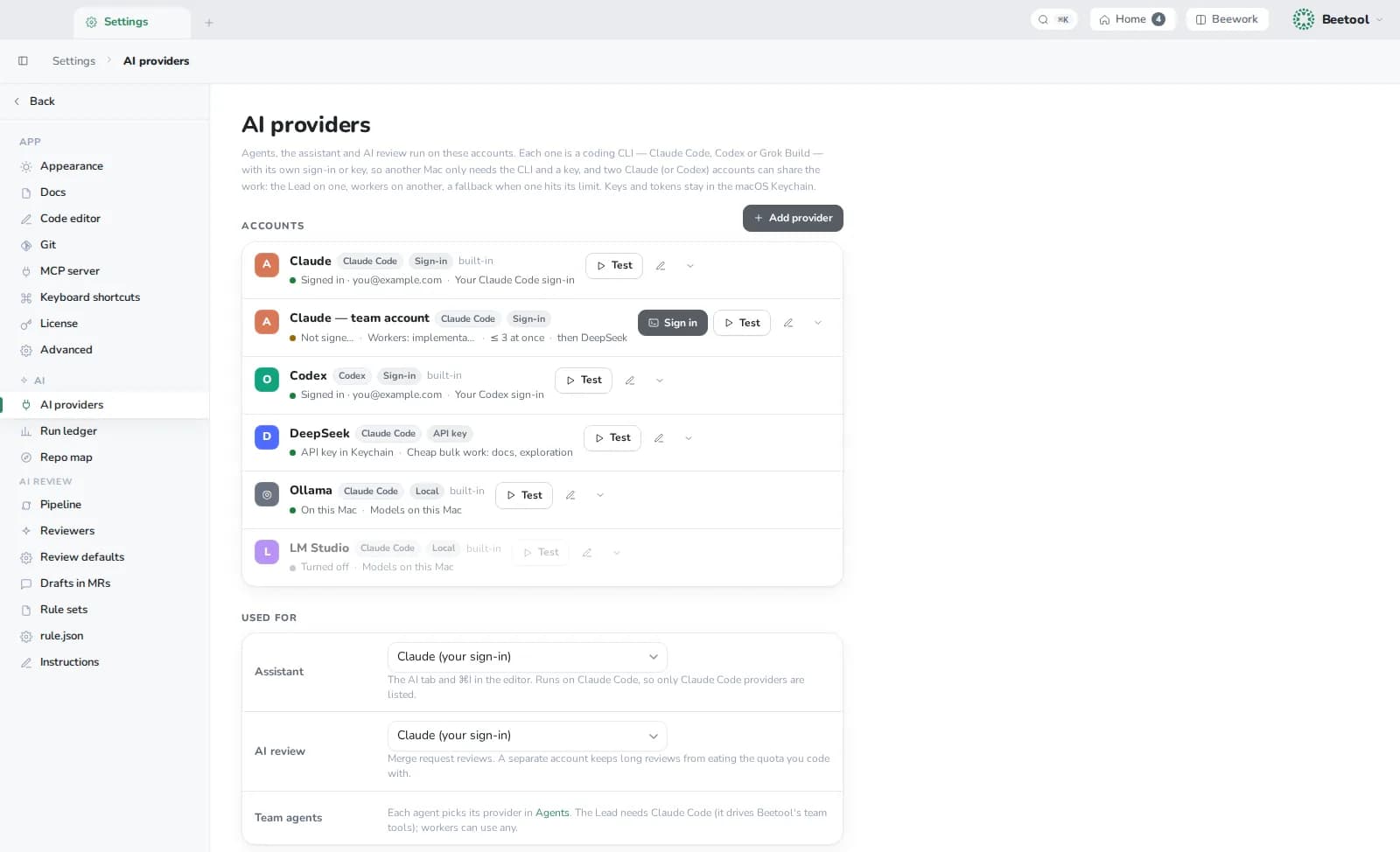
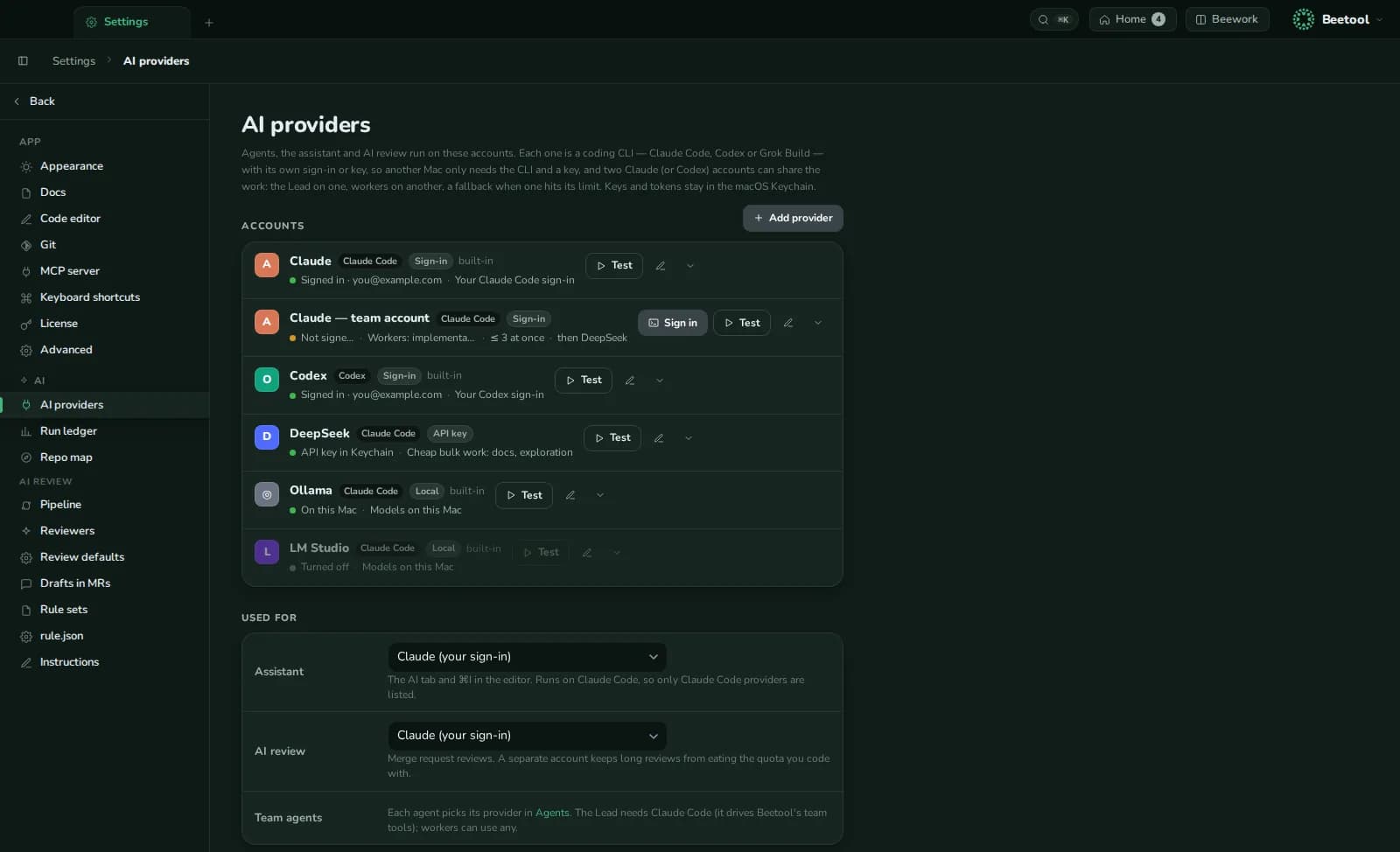
Beetool drives the coding CLIs you already use. Pick the model per conversation, per agent, per job.
- Claude, Codex, Grok, DeepSeek, OpenRouter-style gateways
- Local models through Ollama and LM Studio
- Several accounts side by side, with a fallback when one hits its limit
Local knowledge
Context that lives on your Mac
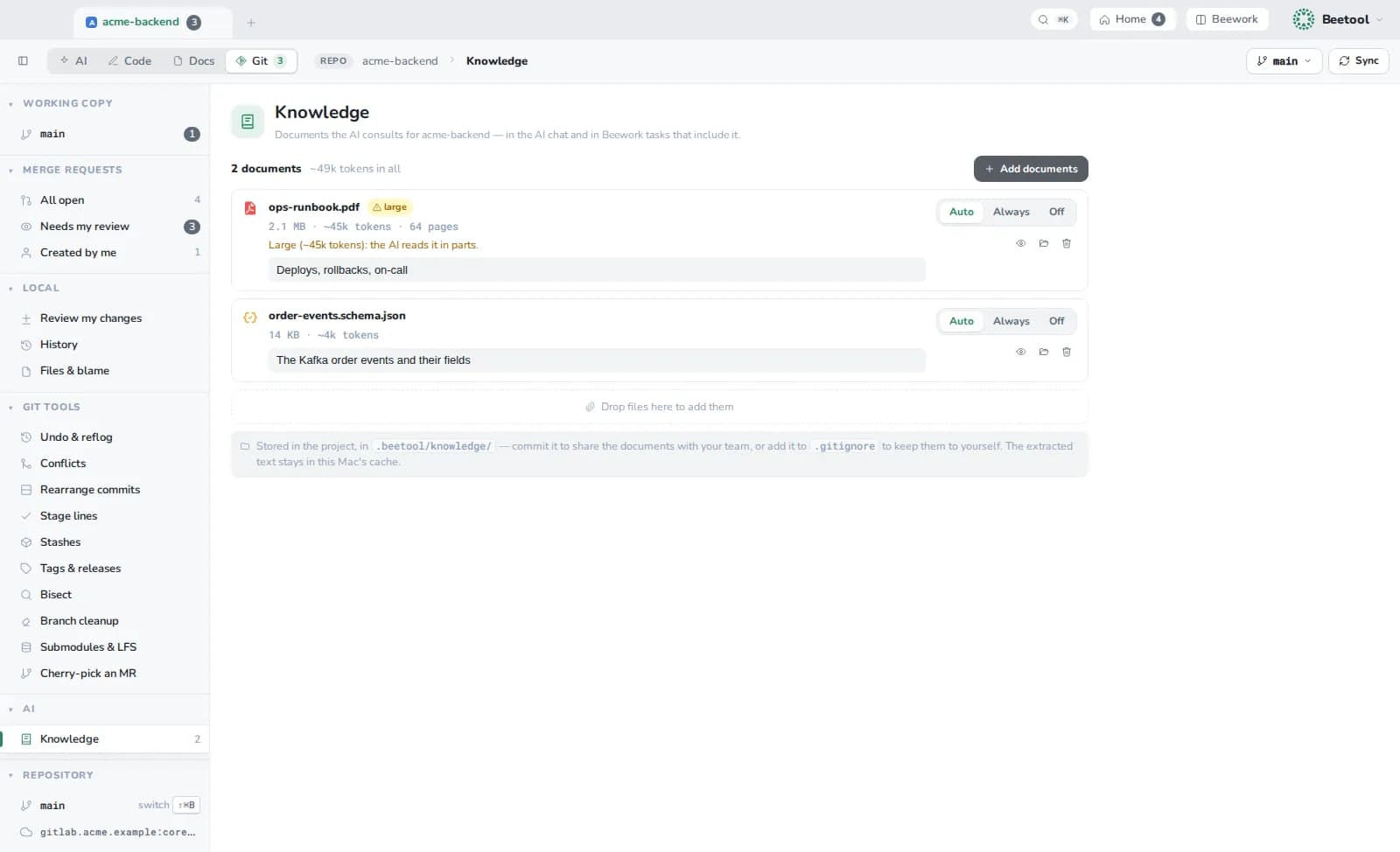
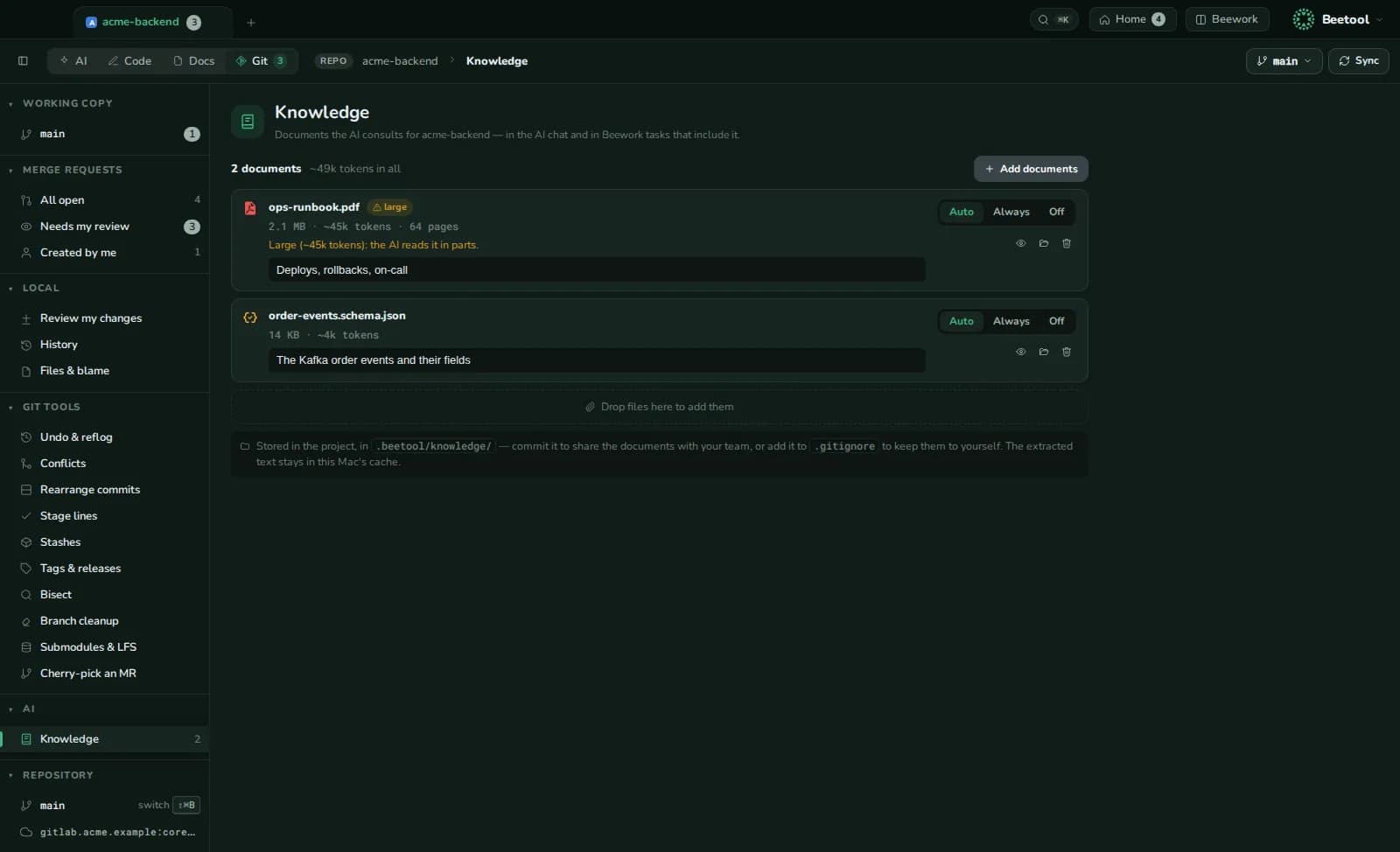
Every AI run starts with what your project already knows, and none of it leaves unless a model needs it.
- Specs, manuals and PDFs the AI reads in parts, when relevant
- A repo map and code index built on your Mac, updated as the code changes
- Product notes and team rules added to every run
Agent teams
Hand it to a team, keep the final say
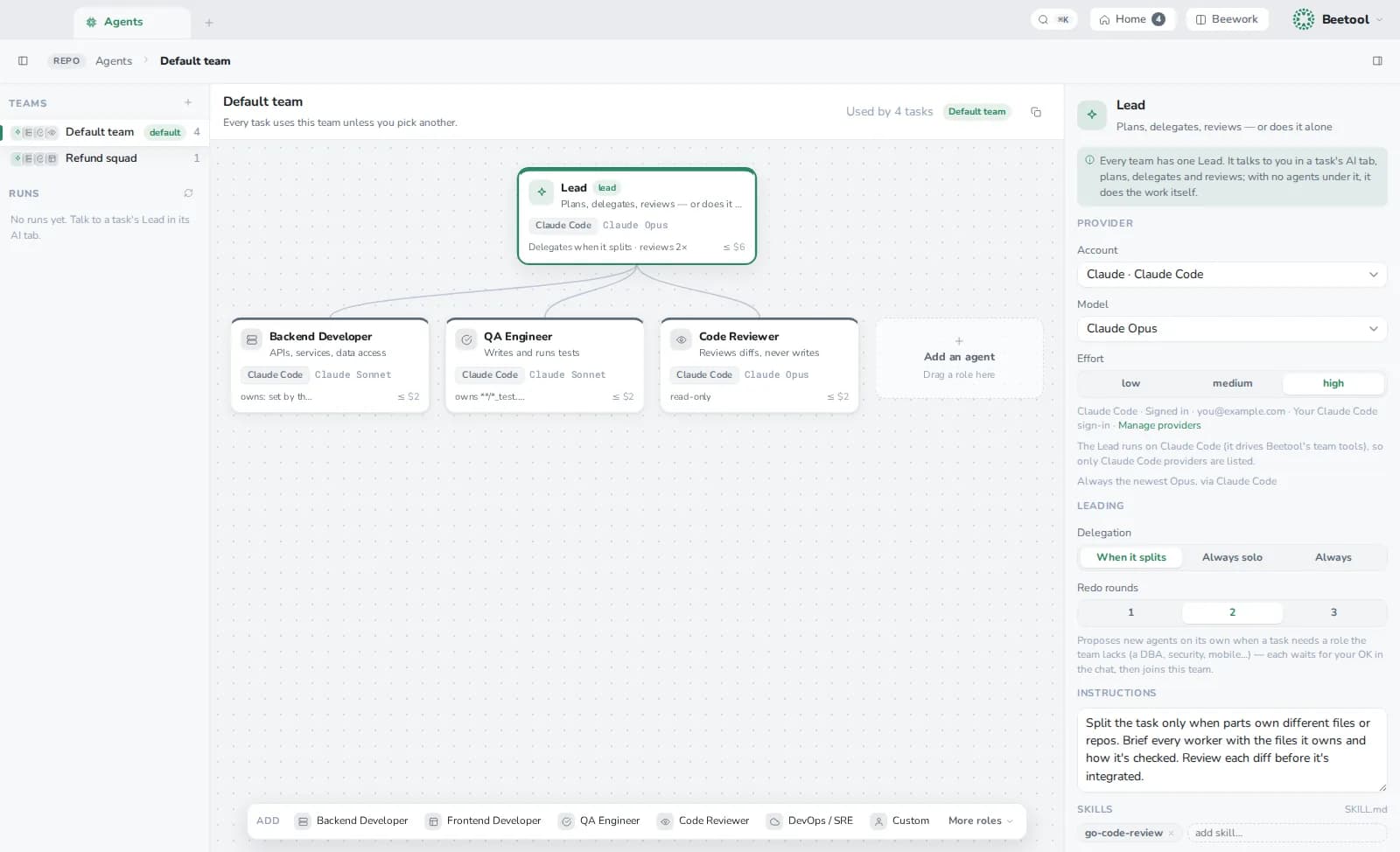
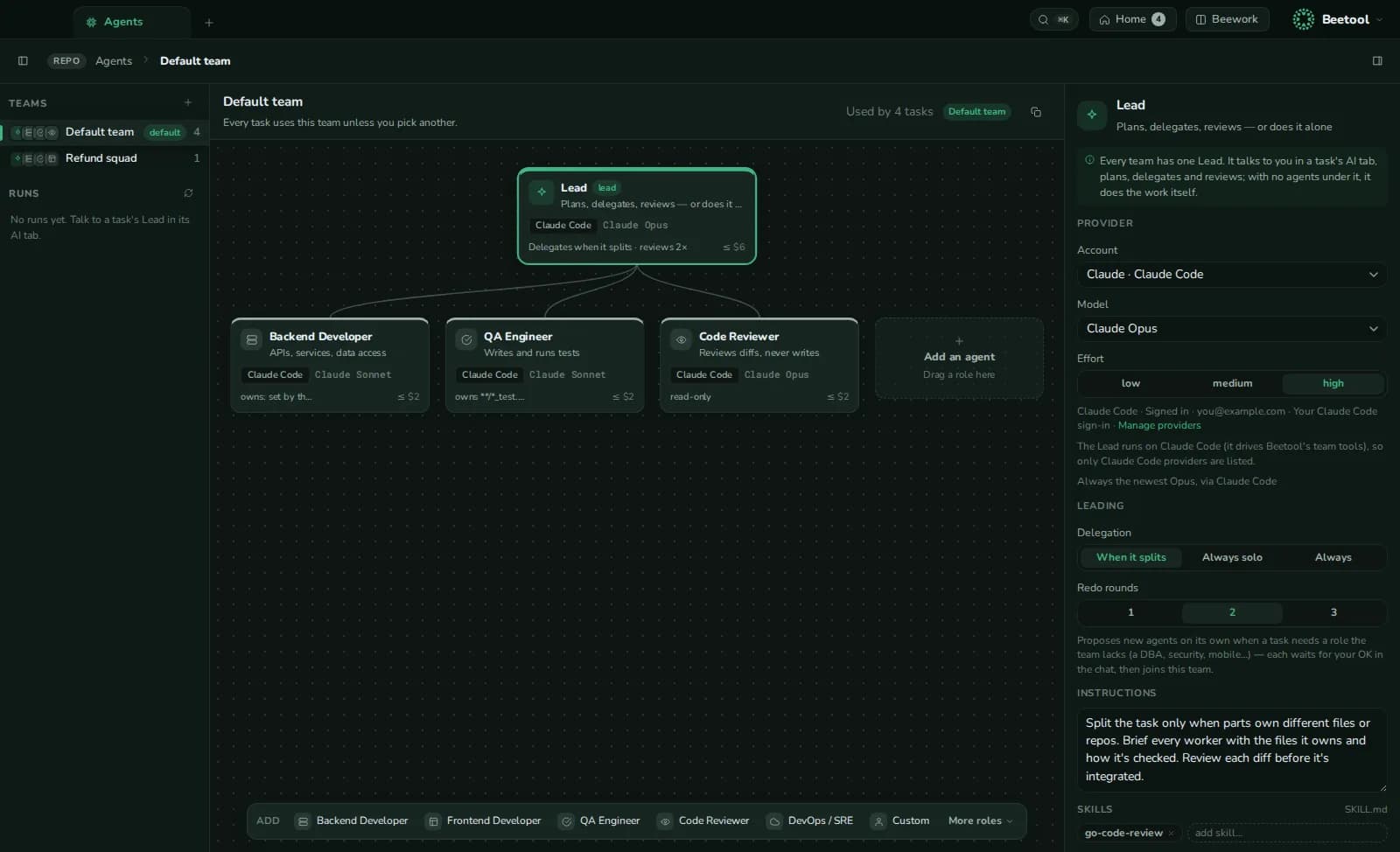
A Lead plans and delegates. Each agent works in its own worktree. Nothing reaches your code until you apply it.
- Roles, models and the files each agent may touch
- Agents ask before running commands
- One task, several repositories, one review
Everything the day needs
- Git, visualHistory, blame, line trace, undo, conflicts, bisect.
- Merge requestsGitLab and GitHub, drafts posted only by you.
- Code editorLanguage servers for ten languages, local history.
- TerminalHistory-aware input, clickable file:line, SSH.
- Run & debugDetected run configs, watch mode, Go and Node debugger.
- DatabaseBrowse, edit and query five engines.
- HTTP clientRequests, scripts, flows, data-driven runs.
- SSH & VaultHosts, SFTP, keys and secrets in the Keychain.
- Docs & AI DocsMarkdown knowledge base; BRD, FRS and guides with AI.
- BeeworkOne change across repos, its branches and merge requests.
- ProductsRepos that belong together, described once for every AI.
- MCP serverClaude Code and Codex read your board and requests.
Download
Install Beetool
- Download the disk imageOne app for Apple Silicon and Intel Macs, macOS 12.0 or later.
- Drag Beetool into ApplicationsOpen the .dmg and drop the app on the Applications folder.
- Allow it onceThe beta isn't notarized by Apple yet, so the first launch is blocked. Open System Settings → Privacy & Security, scroll to Security and click Open Anyway next to Beetool. (On macOS 14 and earlier you can also Control-click the app and choose Open.)
- Connect your AISign in to Claude Code or Codex, or add a DeepSeek, xAI or local model in Settings → AI providers.
Questions
Is Beetool free?
Yes, during the beta. You bring your own AI accounts, so there is nothing for us to bill. We will say clearly before anything changes.
Which AI do I need?
The assistant and AI review run on Claude Code (a subscription or an API key). Agent workers can also run on Codex, Grok, DeepSeek, gateways or local models.
Why does macOS warn me the first time I open it?
The beta is not notarized by Apple yet. Allow it once in System Settings › Privacy & Security, and it opens normally from then on.
Windows or Linux?
macOS first. Other platforms follow once the Mac app is stable.
More in the documentation.