
AI
AI providers & models
Connect the AI accounts you already have — several side by side — and choose which one each job uses.
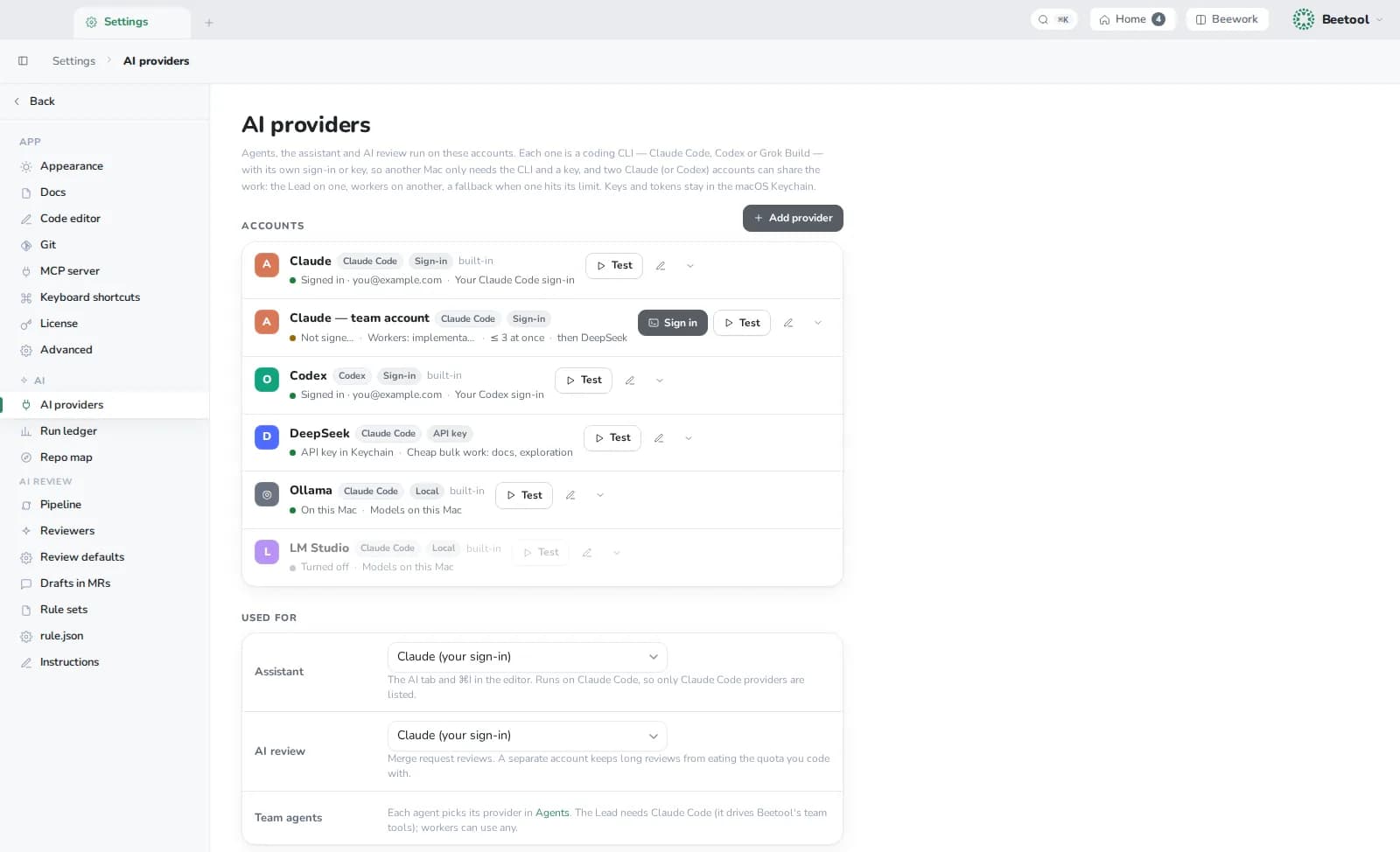
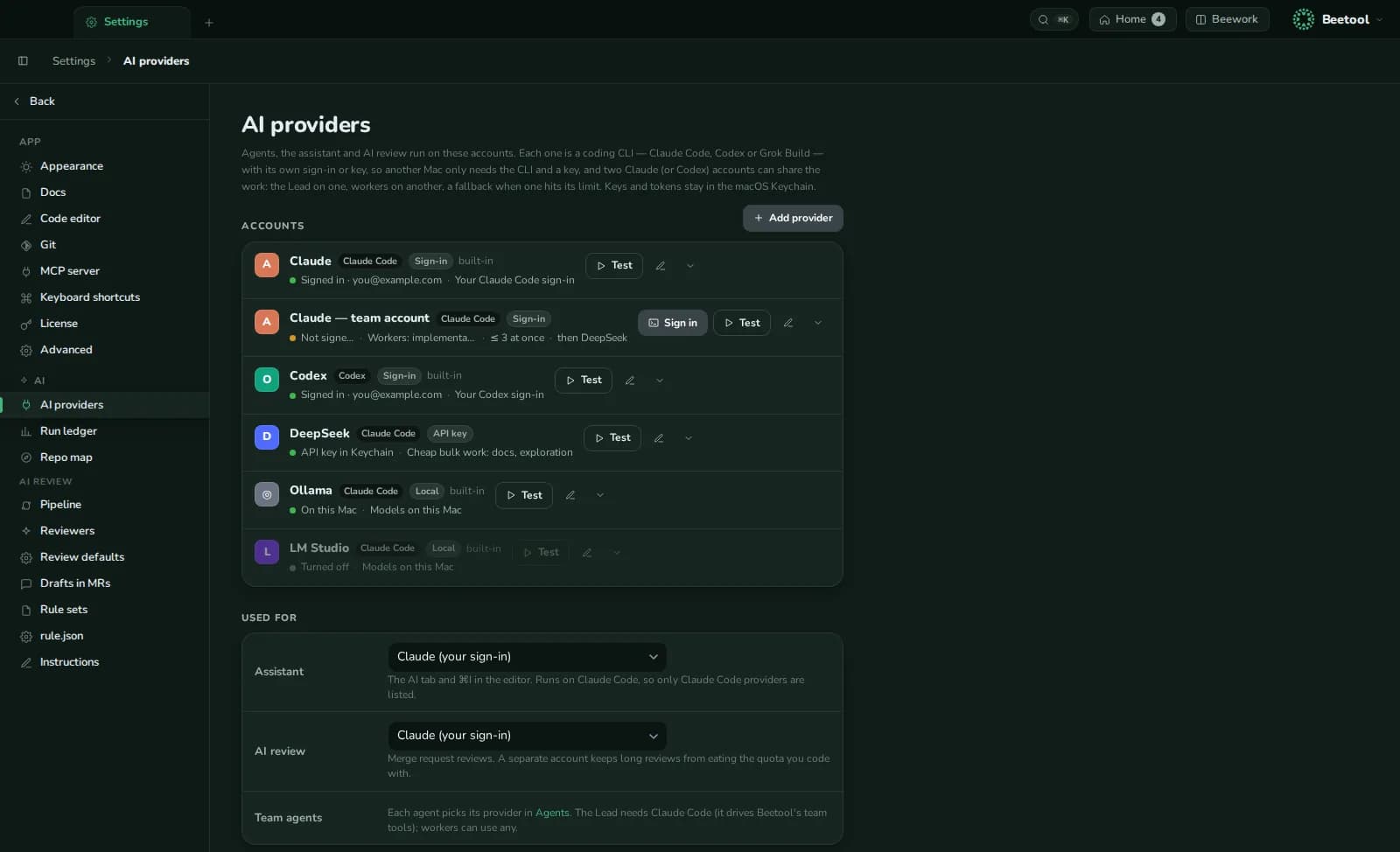
Beetool does not resell AI. It drives coding CLIs — Claude Code, Codex and Grok Build (beta) — with your sign-in or your keys. Open Settings › AI providers (or ⌘K › AI providers).
What you can connect
| Provider | How |
|---|---|
| Claude | Your Claude Code sign-in (built in), another account via claude setup-token, or an Anthropic API key |
| Codex | Your Codex sign-in (built in), another account, or an OpenAI API key |
| Grok | Grok Build sign-in or an xAI API key; Grok models through Codex |
| DeepSeek | API key, through Claude Code's Anthropic-compatible endpoint |
| Gateways | Any Anthropic-compatible (OpenRouter, Kimi, GLM, a company gateway) or OpenAI Responses-compatible endpoint |
| Local | Ollama (localhost:11434) and LM Studio (localhost:1234) |
Keys and tokens are stored in the macOS Keychain.
Several accounts, each with a job
Each provider has:
- Role — what the account is for, shown to the team's Lead (for example "workers only").
- At once — how many agents may run on it in parallel.
- Fallback — another provider to continue on when this one hits a usage or rate limit.
- Models — fetched from the vendor or a known list; tick the ones you want, the first is the default.
- Test — one turn to check the connection.
Used for
| Job | Which providers |
|---|---|
| Assistant (AI workspace, ⌘I) | Claude Code providers |
| AI review | Claude Code providers — a separate account keeps long reviews from eating the quota you code with |
| Agent teams | Each agent picks its own; the Lead needs Claude Code, workers can use any |
Within a conversation you can still switch the model at any time (/model or the picker).