
AI
AI assistant
Ask about the code or for a change. The assistant reads the project; its edits arrive as diffs you accept or reject.
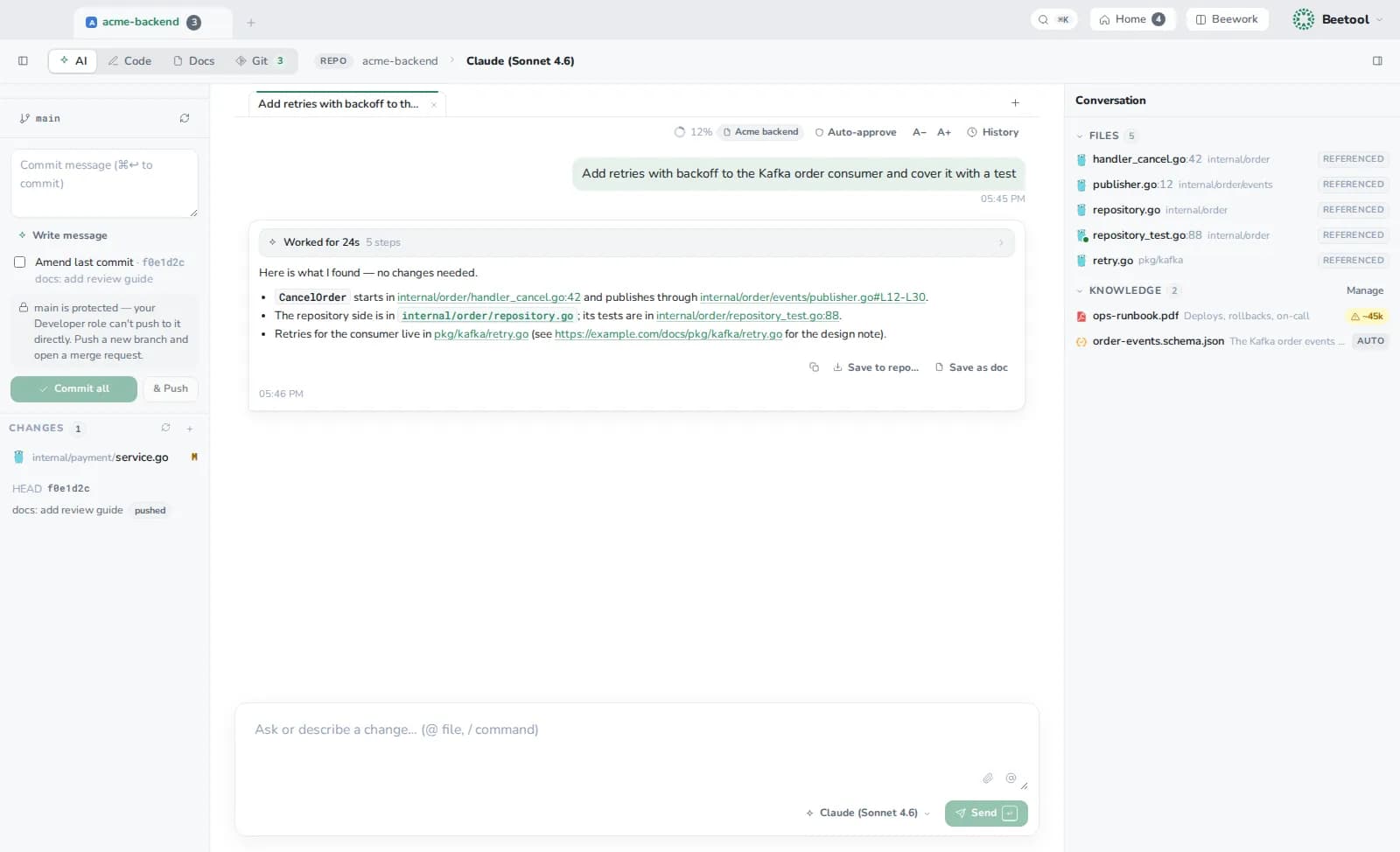
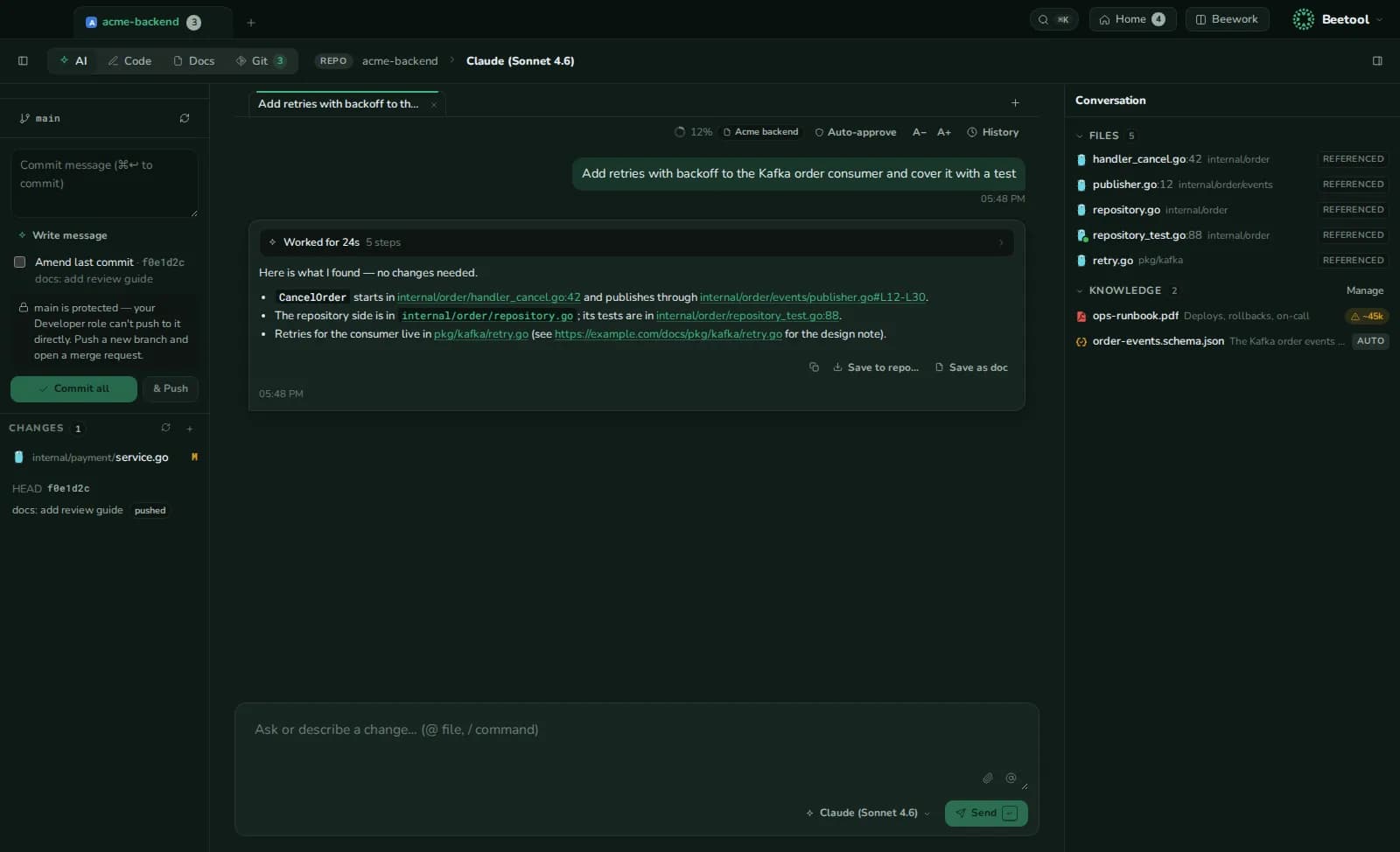
Where it lives
- AI workspace (⌘1): a full-window chat. On the left, what this chat changed and the project's changes to commit; on the right, what needs you, unfinished runs, files and saved answers.
- Code workspace, right panel (⌘I): ask about the selection without leaving the editor.
Nothing is written behind your back
The assistant never writes files directly. Each edit arrives as a diff: accept or reject it per file, open it in Code, or discard it. Settings › Code editor › AI edits chooses Accept and save (default) or Accept, then save.
When it needs something, it stops and asks:
- A question with choices, for decisions it should not guess.
- A permission, before it runs a command or opens a page.
Auto-approve (per project or Beework task) answers permission requests for you. Decisions and destructive commands — rm -rf, force push, hard reset, sudo — still ask.
What it knows
| Context | How |
|---|---|
| Your files | Reads the repository; @mention files, folders, projects, products or knowledge documents to point at them |
| The product | Notes from Products: what the other repositories do and how they fit |
| Knowledge | Specs and manuals from Knowledge, read in parts when relevant |
| Repo map | A ranked outline of files and symbols on the first turn |
| Attachments | Paste, drop or pick images, PDFs or text (20 MB each) |
A ring in the tab shows how full the context is (amber from 70 %, red from 90 %) and offers /compact or a new conversation.
Models and commands
- Pick the model in the tab bar or with
/model(opus,sonnet,haikuor a full id). Switching to another provider account starts a fresh session. - Beetool's commands:
/new,/clear,/model,/doctor(checks the CLI, version and sign-in),/permissions,/login,/help. Claude Code's own commands and your project's skills work too. - Conversations are kept per project in Beetool's data folder (never in the repository). History reopens, renames or deletes them.
- Save to repo… writes an answer as a Markdown file; Save as doc puts it in the Docs workspace.
The assistant runs on Claude Code. Pick which Claude account in Settings › AI providers › Used for.
One-shot helpers
Read-only helpers on the same account: write a commit message in the repository's style, split changes into small commits (you check the plan first), release notes from tags, explain a file's history, and resolve merge conflicts.