
Tools
Database
Browse, edit and query PostgreSQL, MySQL/MariaDB, SQLite, ClickHouse and MongoDB — directly or through an SSH host.
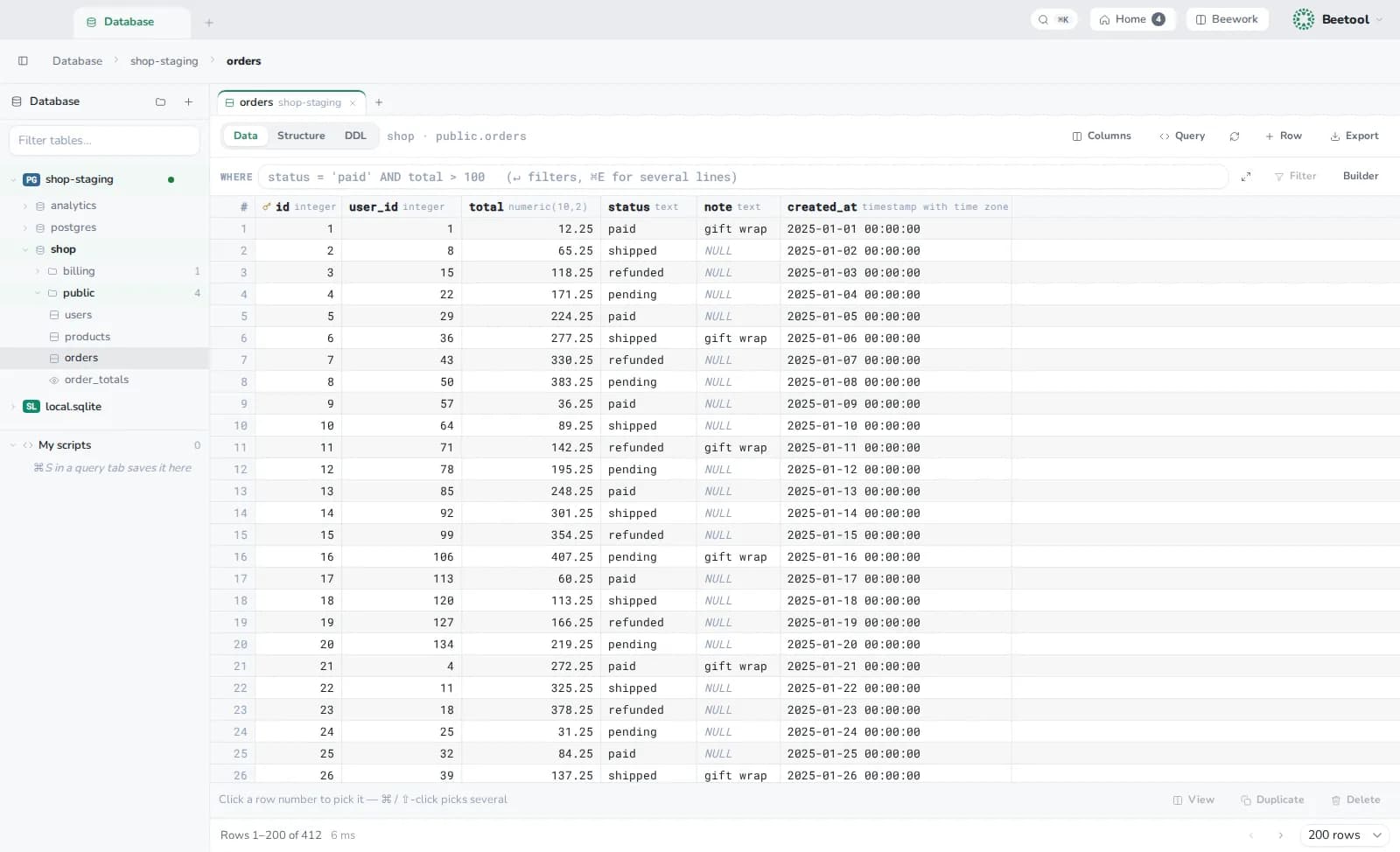
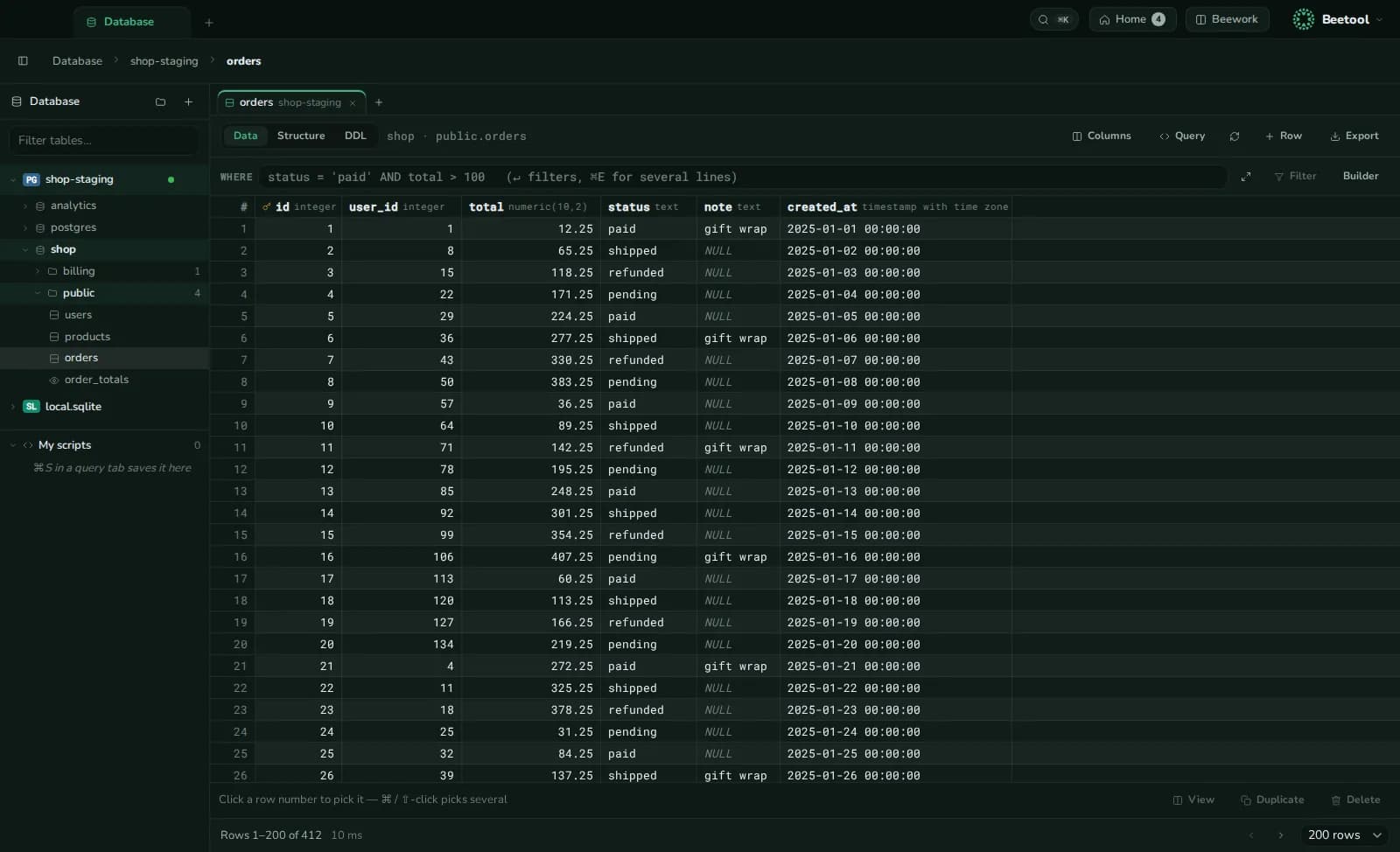
Open Database with ⌘K. It is built for development and staging data: look, change a few rows, run a query.
Connections
New connection: pick the engine, fill the fields or paste a connection string, and Test. Connect directly or through an SSH tunnel on a Vault host. Passwords are kept in the Keychain. Organise connections in folders; duplicate one for another environment. A connection closes after 30 idle minutes.
The tree shows databases, schemas, tables, views (or collections), with a filter and an ER diagram per schema.
Tables
| Tab | What you do |
|---|---|
| Data | Filter with a WHERE clause or the builder (AND/OR groups), sort, page; edit cells, add, duplicate or delete rows — then Save them in one transaction |
| Structure | The table's columns and their types |
| DDL | The table's definition |
Hide or reorder columns, copy a value or a row as JSON.
Queries
- An SQL editor with the engine's dialect and completion of tables and columns (mongosh syntax for MongoDB).
- ⌘↵ runs everything or the selection; ⇧↵ runs one statement.
- Each tab is its own session:
BEGIN … COMMIT,SETandUSEcarry over between runs. - History per connection, and saved scripts under My scripts (⌘S).
- Load all fetches up to 100,000 rows.
Export and explain
Export a table or result as CSV, JSON or INSERT statements. Dropping a table opens the statement as a query for you to run.
Explain shows a query plan as a map — the row flow, the costliest steps in red — with hints worth a look. It reads plans from PostgreSQL, MySQL/MariaDB, SQL Server, Oracle, ClickHouse, SQLite and MongoDB; run it from a query tab or paste a plan.