
AI
Knowledge & project context
Documents, a repo map and product notes give every AI run the context it needs — built and kept on your Mac.
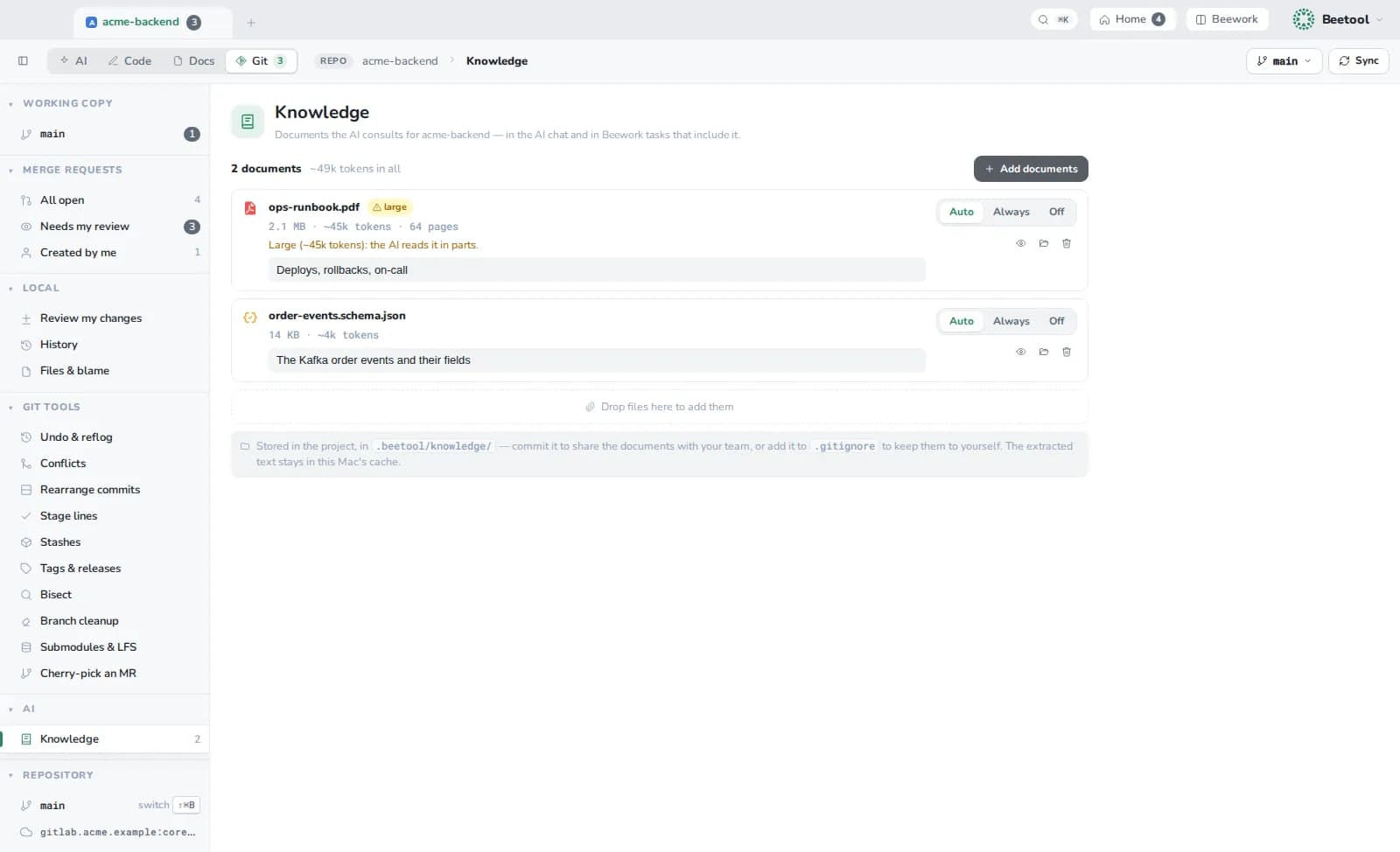
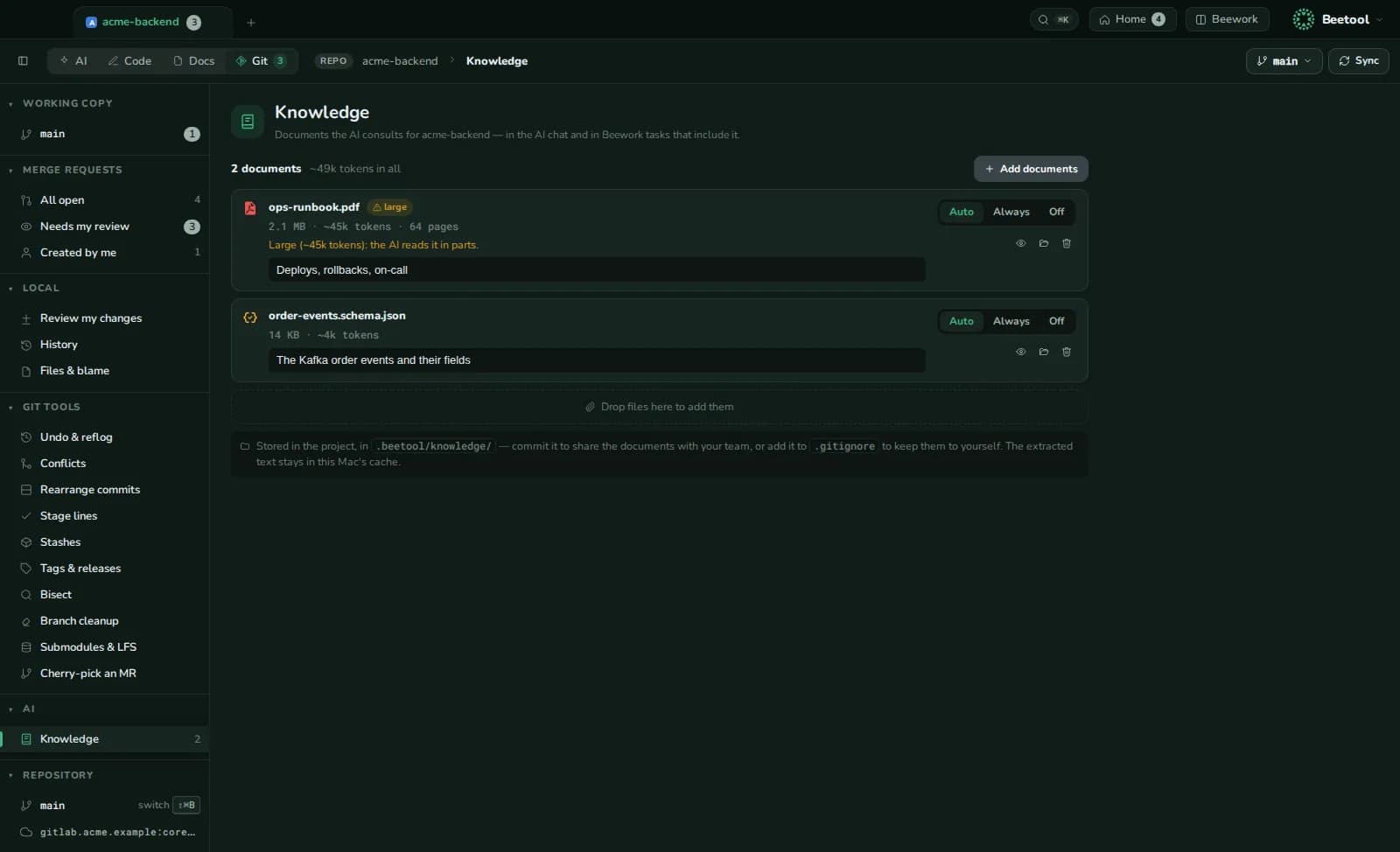
Knowledge documents
Third-party documents the assistant and agent teams consult: specs, manuals, PDFs, Word, RTF, ODT, HTML, text and images. Open Git › Knowledge in a project, Manage in a task, or the Conversation panel of a chat.
| Mode | Behaviour |
|---|---|
| Auto | The AI reads it when the question needs it |
| Always | Small documents are included in every prompt, within a budget |
| Off | Kept, not given to the AI |
Large documents are never pasted whole: the AI gets a plain-text copy and an outline with line numbers, and reads the parts it needs; documents larger than the model's context are searched. Give each one a when to use note.
- Project documents live in the repository, in
.beetool/knowledge/— commit them to share with your team, or add them to.gitignore. - Task documents stay in Beetool's data folder.
- Limits: 100 MB per document, 200 documents.
Repo map and code search
- Repo map — a ranked outline of the repository's files and symbols, added to the first turn of the assistant, the Lead and workers. Built in the background and updated incrementally. Settings › AI › Repo map shows its size, state and the exact block the model gets.
- Code search — a local index of identifiers that agents query through
search_codeandfind_symbol.
Products and rules
- Products tell every AI run what the other repositories are and how they fit.
- Rule sets carry your team's conventions into reviews, fixes and the assistant.
@mentions
In any prompt, @ mentions a project, product, folder, file or knowledge document, and shows an estimate of what the AI will receive.
Everything above is stored on your Mac. Content reaches an AI provider only as part of a prompt you run, through the account you chose.