
Work
Beework tasks & board
One change across several repositories: a branch in each, one AI conversation, commits and merge requests together.
A task
New Beework task… (⌘K or the Start tab): a ticket and name, a branch name, and the repositories it touches — or start from a product and every repository comes with it. Beetool can create the branch in each one. Open tasks sit in the tab bar.
| Page | What you do there |
|---|---|
| Overview | Where each repository stands; batch actions; sync every repository |
| AI | Talk to the task's Lead — alone or with an agent team |
| Changes | The diff in each repository |
| Ship | Commit with a per-repository AI message, push, open or link merge requests, set the merge order |
| Run | Start each repository's run configuration; logs side by side, one search across all of them, a timeline of errors across services |
Tasks have their own knowledge documents.
The board
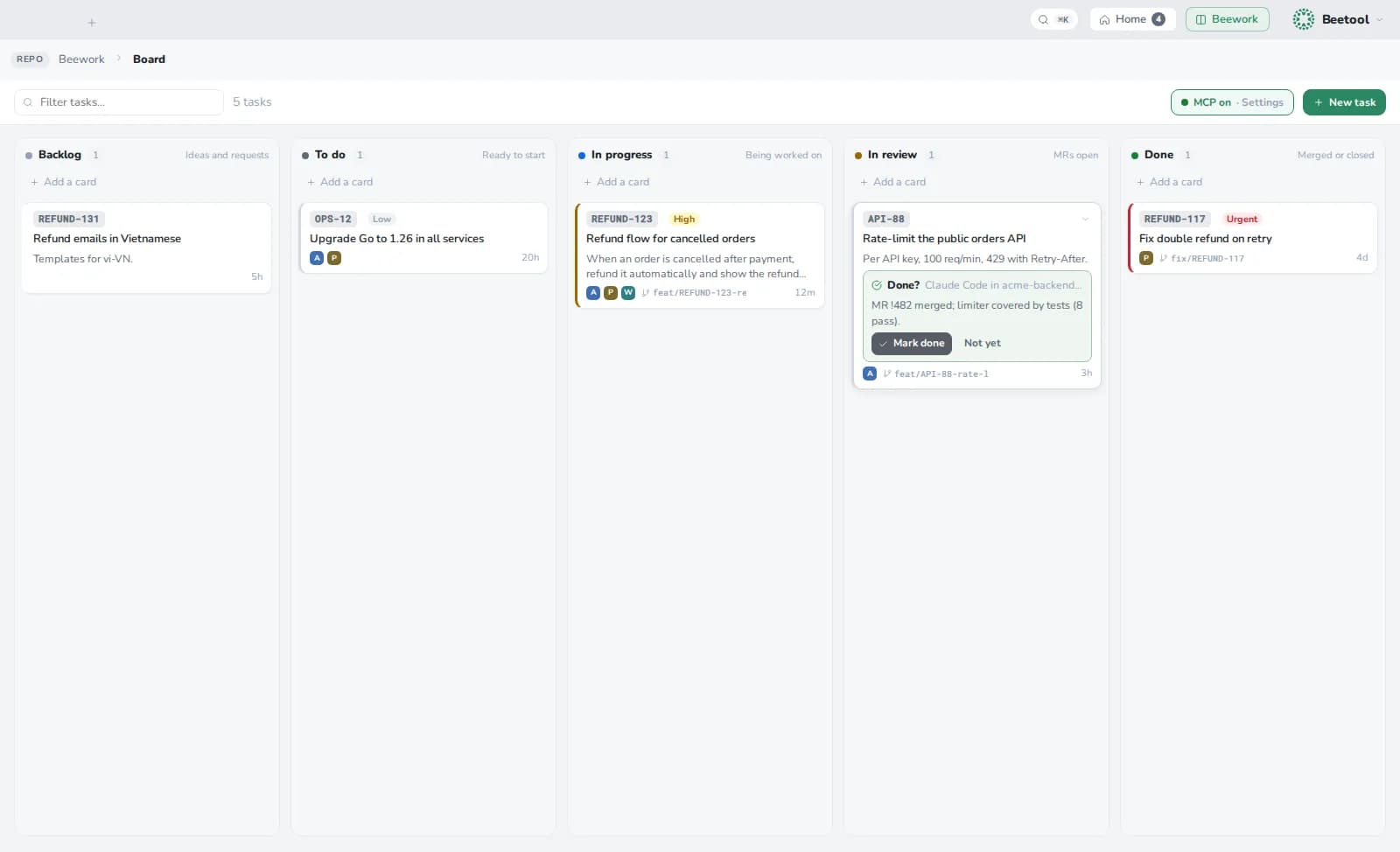
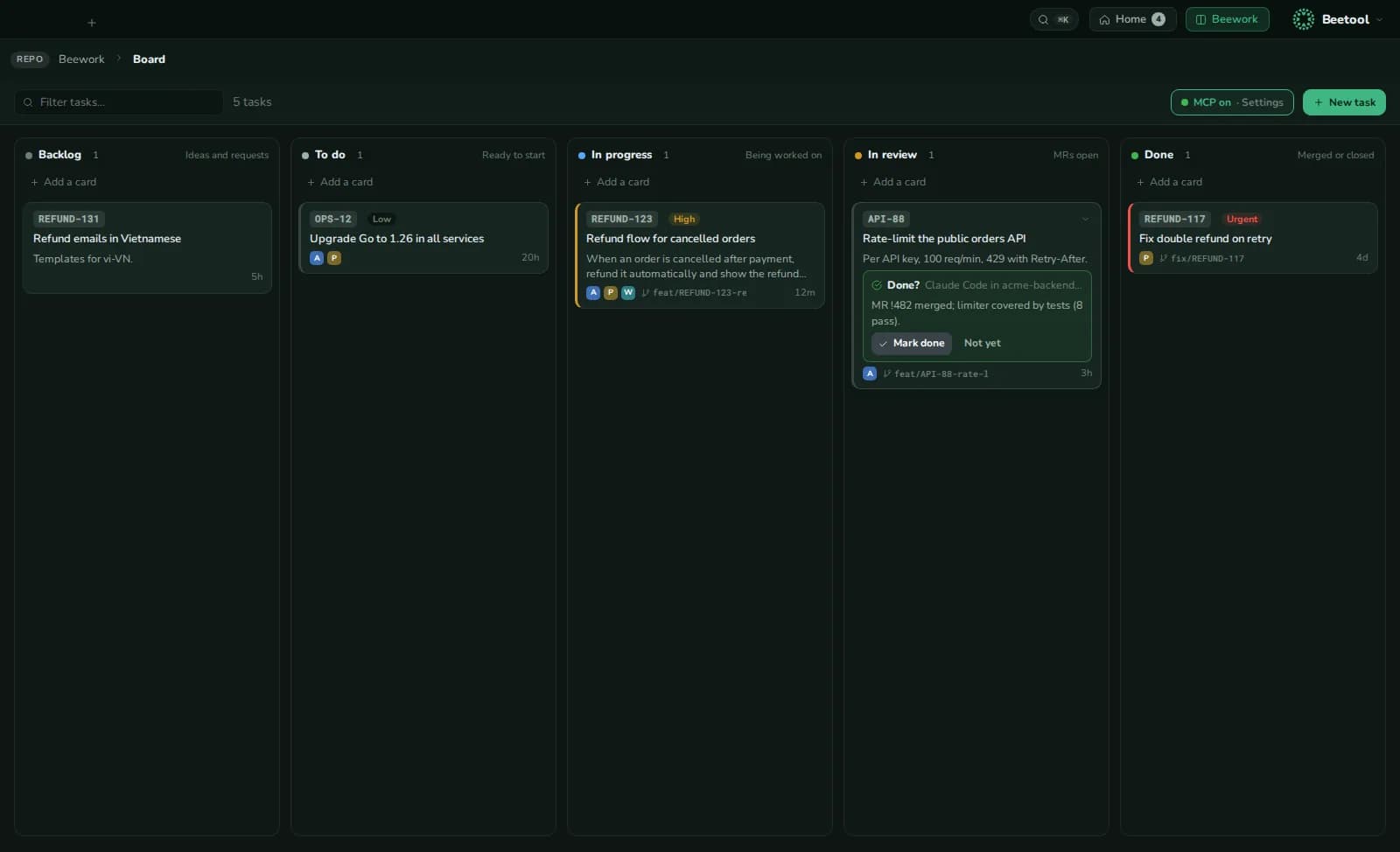
Backlog → To do → In progress → In review → Done. Drag cards, add one inline (TICKET-1 Title), filter, set priority. An agent team moves its task to In progress when it starts and to In review when it is done.
AI tools may ask to move a card to Done; only you move it there. Claude Code, Codex or your scripts can read and move cards through the MCP server.