
Tools
Beequest — HTTP client
Requests, environments, scripts and flows in the same app as your code — no browser, no CORS.
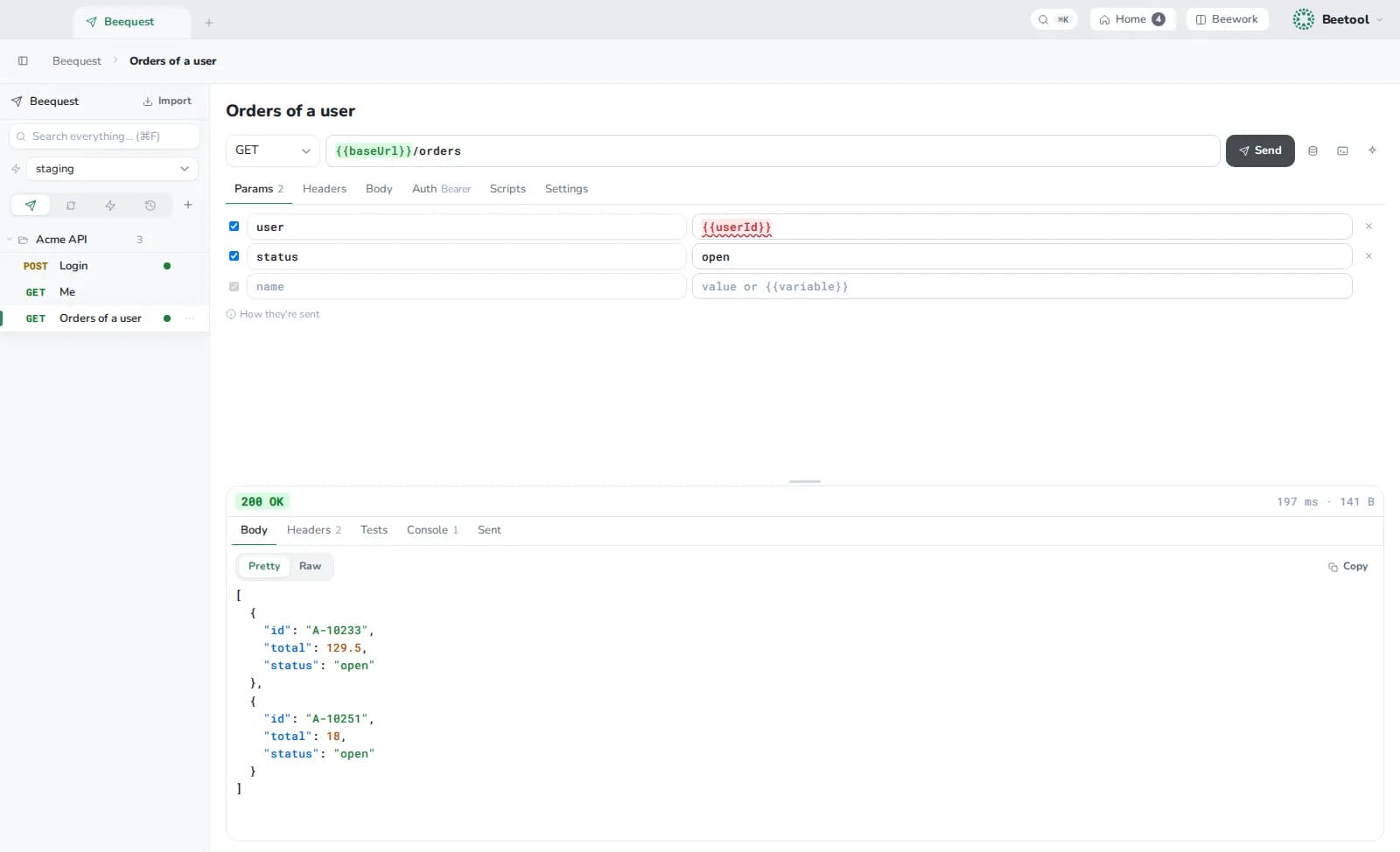
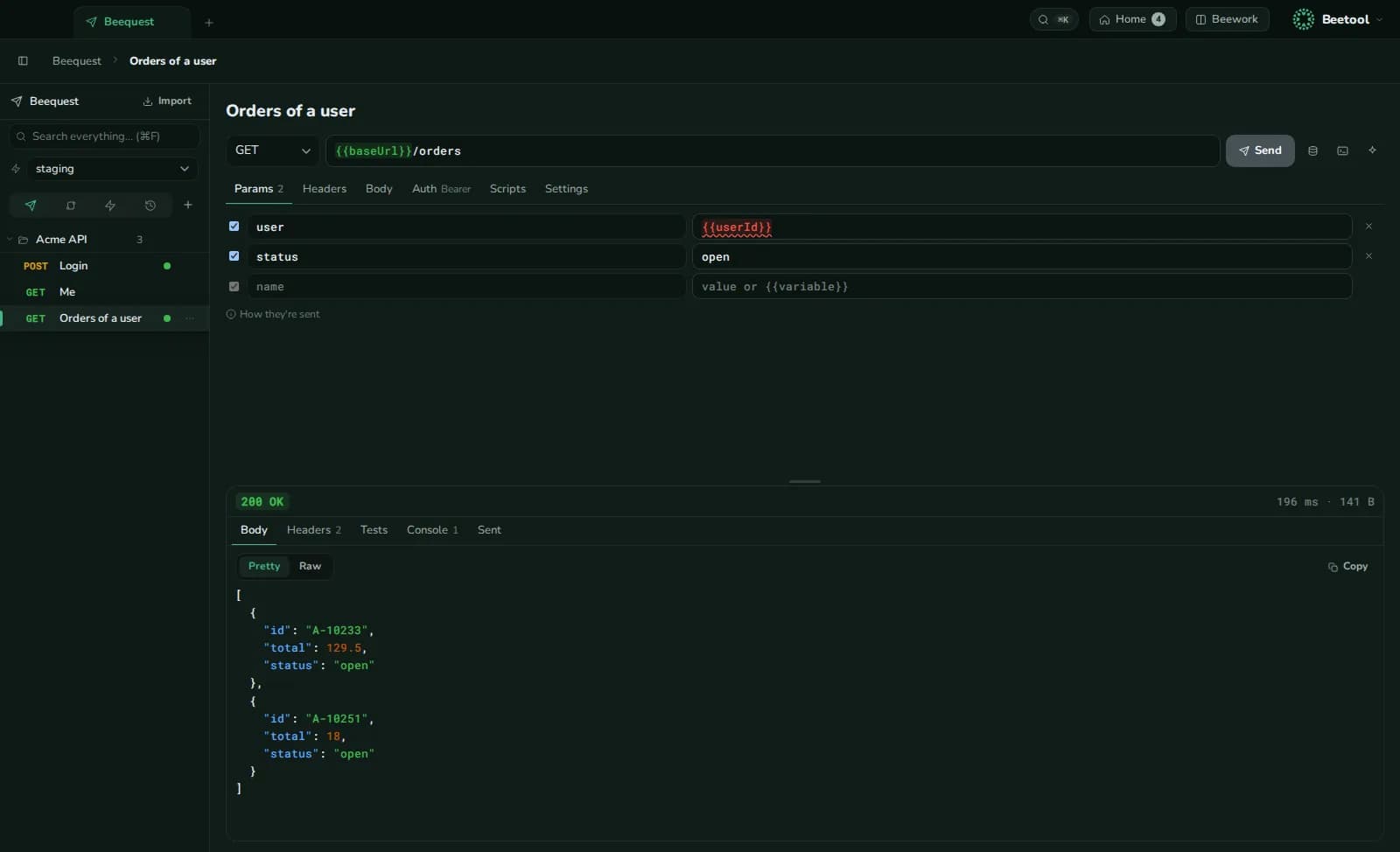
Open Beequest with ⌘K.
Requests
Folders of requests with method, URL, parameters, headers, body (JSON, text, XML, form, multipart or a binary file), auth (bearer, basic or a header), timeout, redirect and TLS options. WebSocket and Server-Sent Events too. Paste a curl command into the URL to fill everything; ⌘↵ sends.
Environments and profiles
{{variables}} from an environment; secret values are masked. Link a Vault env set, and keep several profiles (variable sets) per environment — one per test user, say.
Scripts
JavaScript before a request and on its response — tests, transforms, setting variables. A bee API plus enough of Postman's pm to run existing scripts. Scripts run in a sandbox without network or DOM access.
Flows
Chain steps on a canvas: request, script, delay, branch, loop, extract, assert, sub-flow, TOTP, crypto and JWT, save to CSV, JSON or Excel, alert or popup. Each step can run only if a condition holds, retry, and visualise its result.
Run with data — one run per row of a CSV or JSON file or per profile, one after another or in parallel.
Import, export, share
Import curl, Postman collections (v2.0, v2.1) and environments; export curl. Flow files can be shared, optionally locked with a password. History of sent requests can be sized, turned off or cleared in Settings › Advanced.
AI tools can list, save and run requests through the MCP server — environment values are never sent out.