
Code & Git
Code editor
A fast editor with language servers, inline blame, git change bars and a local history of every save.
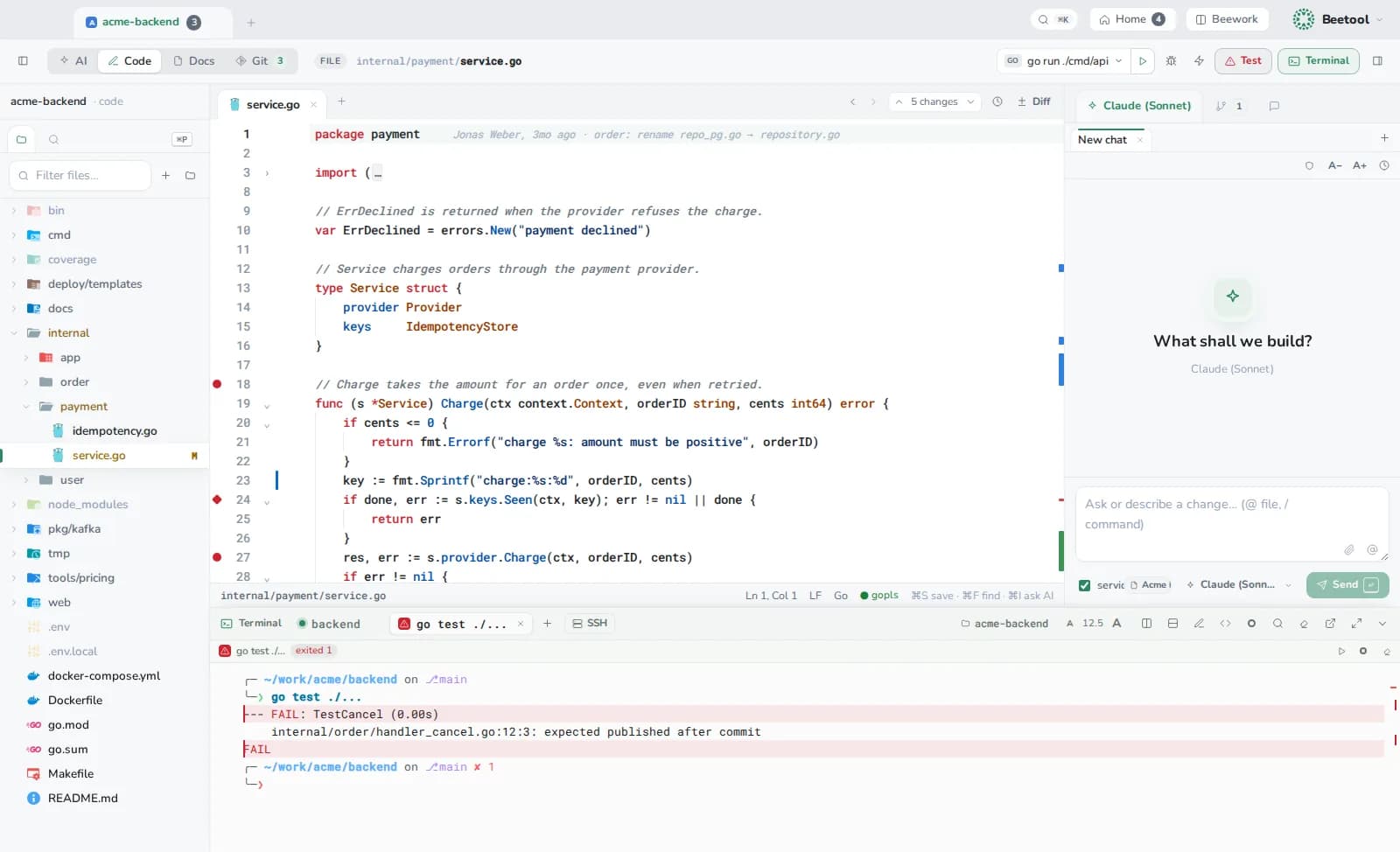
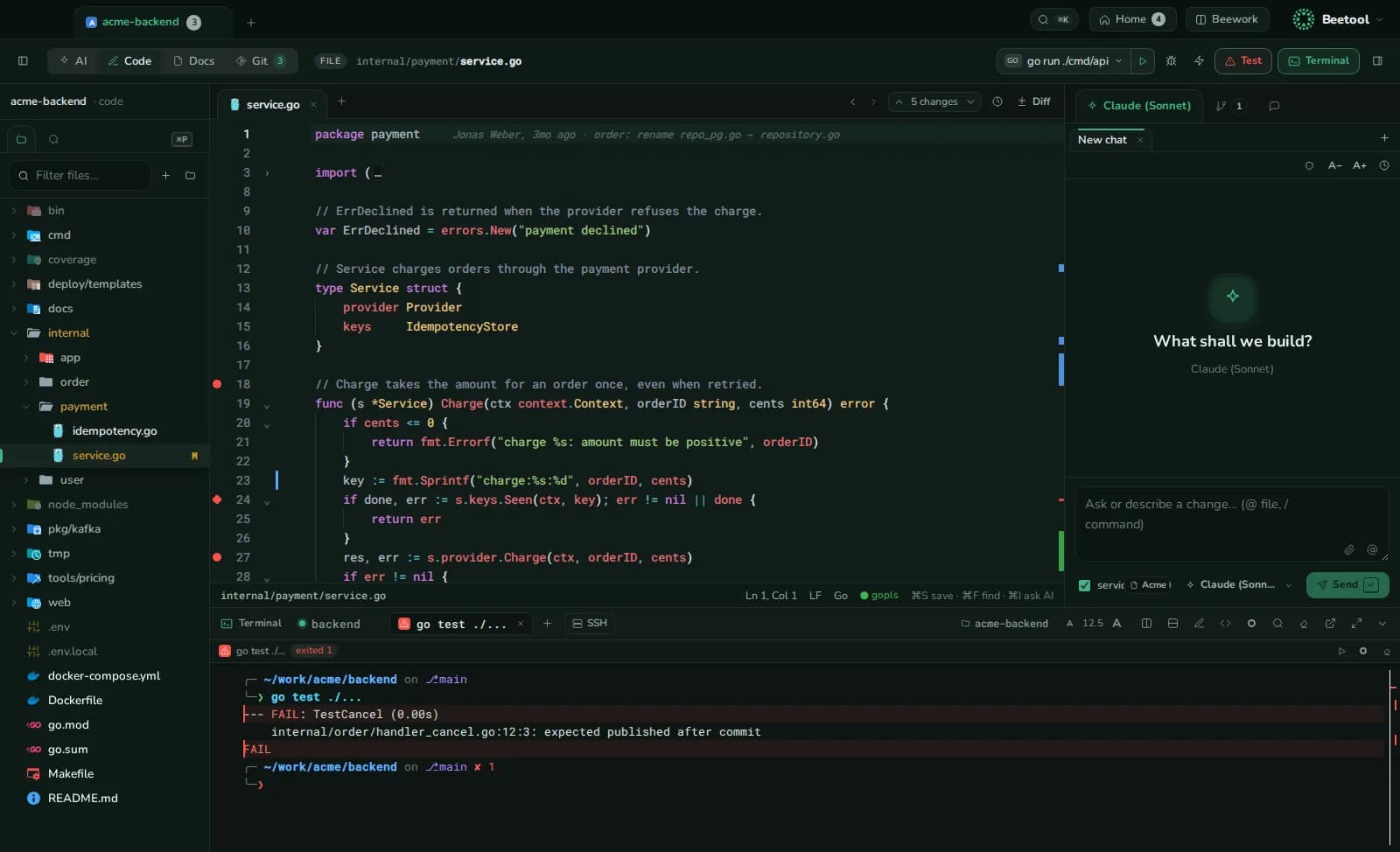
Editing
Tabs and two editor panes (⌘-click opens in the other pane), highlighting for 100+ languages, multi-cursor, find and replace (⌘F, ⌥⌘F), folding (imports fold on their own if you like), ⌘/ to comment, inline blame on the current line, and change bars against HEAD with an overview ruler (⌥F5 / ⇧⌥F5 jump between changes). Markdown, HTML, CSV and SVG files have a rendered preview.
The file tree renames, duplicates, creates and deletes (to the Trash). ⌘P opens any file; ⇧⌘F searches the repository (git grep over tracked files).
Code intelligence
Language servers run on your Mac; Settings › Code editor shows each one's status, the install command, a custom path and restart.
| Language | Server |
|---|---|
| Go | gopls |
| TypeScript, JavaScript | TypeScript (tsc --lsp) |
| Python | Pyright |
| Rust | rust-analyzer |
| Java, Kotlin | jdtls, Kotlin LS |
| C#, C/C++ | csharp-ls, clangd |
| YAML, Docker Compose, Dockerfile | YAML and Dockerfile servers |
Completion (⌃Space), hover, signature help, diagnostics, go to definition (F12), implementations (⌘F12), references (⇧F12), callers (⇧⌥H), rename (F2), format (⇧⌥F), symbols in file (⇧⌘O) and project (⌘T). Without a server, navigation falls back to a whole-word project search.
Local history
Every save keeps a version (outside the project, in Beetool's data folder). History in the editor compares any version inline or restores it — the restore itself can be undone. Turn it off or set versions per file in Settings › Code editor. Files over 2 MB are skipped. The Docs workspace uses the same history.
The right panel
Changes (stage, commit, push), Review (comments of the open merge request: apply suggestions, fix with AI, fix all) and AI (⌘I).