
Get started
What is Beetool
One Mac app for the whole development flow — Git, code, review, terminal, database, API client and docs — with AI in every step.
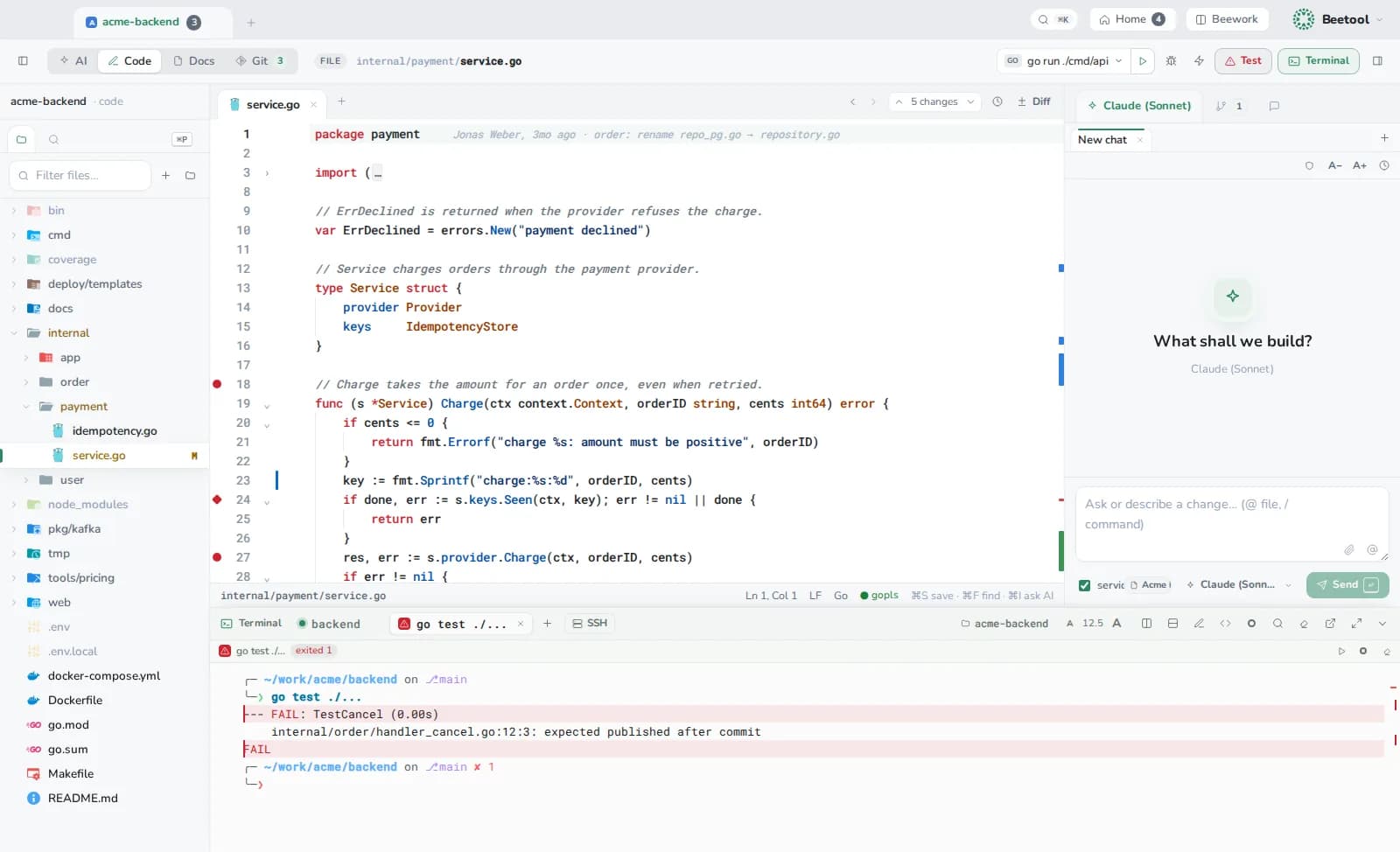
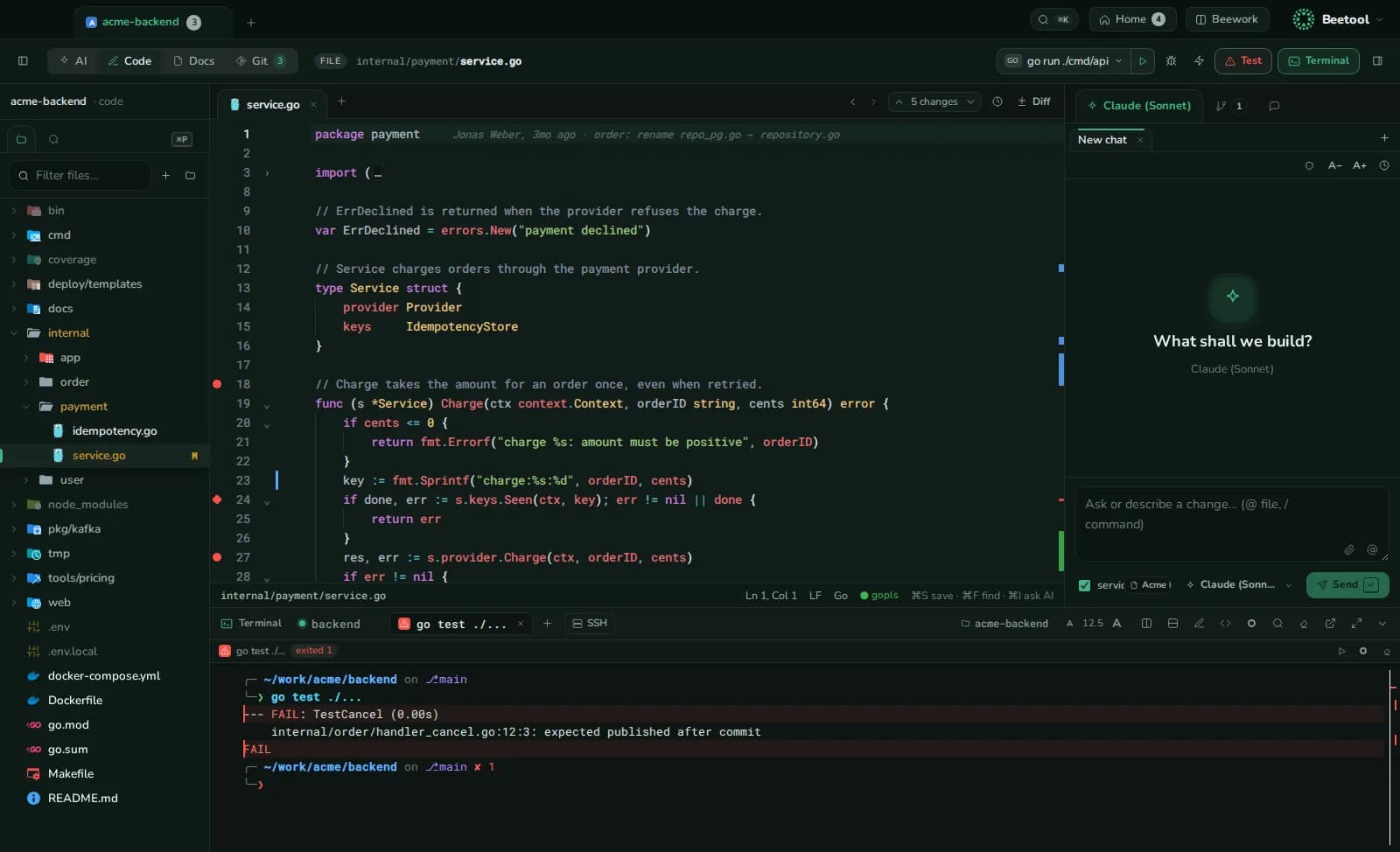
Beetool replaces the stack of windows you keep open while you work: the git client, the editor, the terminal, the database GUI, the HTTP client, the SSH client and the AI chat. They share one window, one project and one AI that knows that project.
How it is organised
| Level | What it is | Examples |
|---|---|---|
| Project | Any folder, usually a git repository | acme-backend |
| Workspace | Four per project | AI ⌘1, Code ⌘2, Docs ⌘3, Git ⌘4 |
| Tool | Standalone tabs next to projects | Database, Beequest, SSH, Terminal, Processes |
| Product | Repositories that belong together | API + web app + infrastructure |
| Beework task | One change across several repositories | A ticket with a branch in each repo |
AI, your way
- Your accounts. Beetool drives the coding CLIs you already use — Claude Code, Codex and Grok Build — with your sign-in or API key. See AI providers.
- You approve every change. The assistant's edits arrive as diffs; agents work in private worktrees; AI review findings stay drafts until you submit them.
- Local context. Knowledge documents, the repo map, product notes and rule sets are on your Mac and go into each AI run. See Knowledge & context.
Where to go next
- Install Beetool and open your first project.
- Learn the workspaces and the command palette.
- Connect an AI provider and ask the assistant something about your code.